
How to Make a Rotating GIF from a 3D Model (STEP, STL, OBJ)

Turn one model or a whole folder of STEP, STL and OBJ files into spinning GIF, WebP or AVIF previews, from the interface, Watch Folders or the command line, without a 3D program.
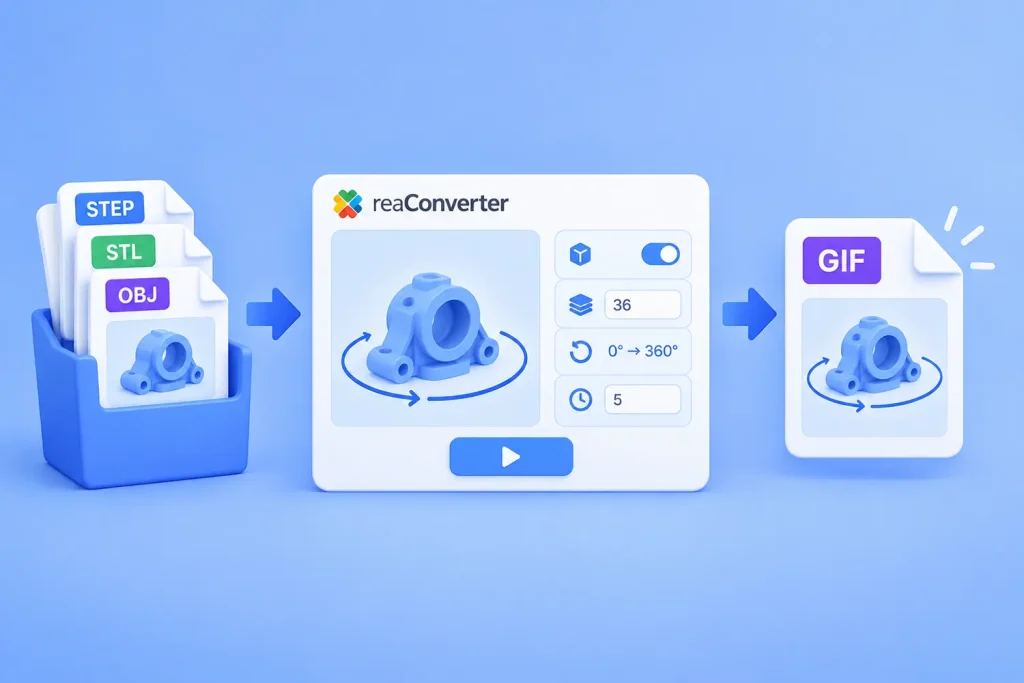
Rotating GIF from a 3D Model: STEP, STL, OBJ in Batch

Short answer: reaConverter renders a 3D model at a series of angles and saves the frames as one animated file. Open Menu → Loading settings → 3D formats, tick Create multiple frames, set 36 frames and Change Z from 0 to 360. Fix the viewing angle with Change X 75 to 75 and Change Y 5 to 5. Then save as GIF with an Animation delay time of 5. It works on one model or a whole folder, offline.

Read more

The Quick and Simple Way to Convert WebP Files

WebP

While at the moment JPEG and PNG are considered to be the most popular formats for storing and transferring images, Google promises things will look different in the future. In 2010, the company launched WebP, a new image format meant to challenge the leading position of the two formats mentioned above. And ever since then, its developers have added several new features and functions, while more and more people have begun to discuss the usefulness of switching to WebP.

Read more