
How to Make a Rotating GIF from a 3D Model (STEP, STL, OBJ)

Turn one model or a whole folder of STEP, STL and OBJ files into spinning GIF, WebP or AVIF previews, from the interface, Watch Folders or the command line, without a 3D program.
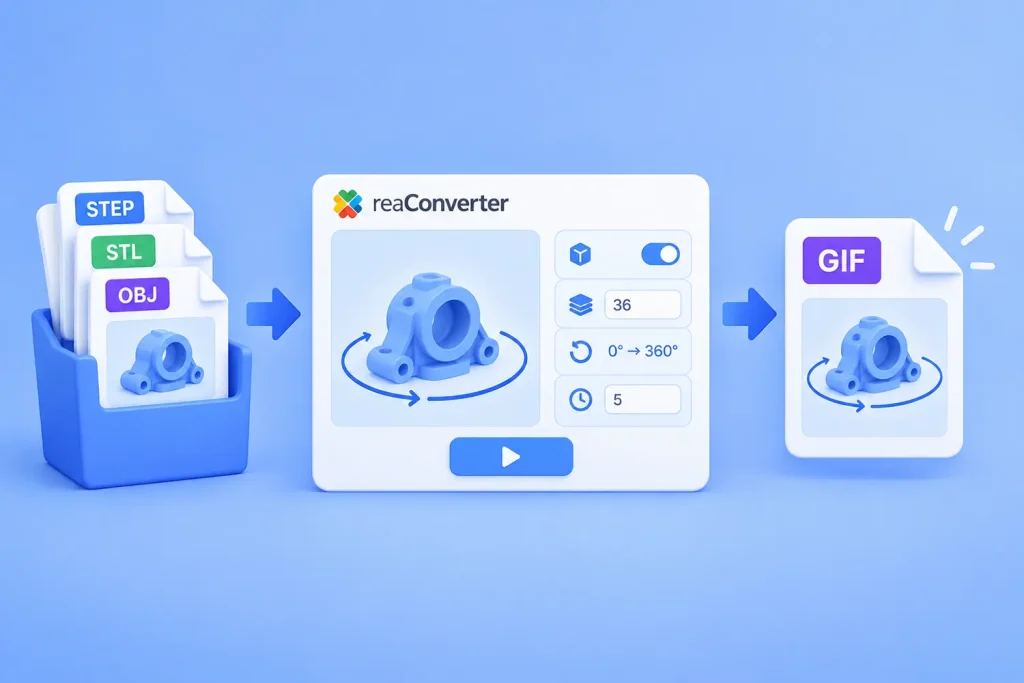
Rotating GIF from a 3D Model: STEP, STL, OBJ in Batch

Short answer: reaConverter renders a 3D model at a series of angles and saves the frames as one animated file. Open Menu → Loading settings → 3D formats, tick Create multiple frames, set 36 frames and Change Z from 0 to 360. Fix the viewing angle with Change X 75 to 75 and Change Y 5 to 5. Then save as GIF with an Animation delay time of 5. It works on one model or a whole folder, offline.

Read more

How to Make Animated GIFs

Animated GIF

GIF (Graphics Interchange Format) is one of the most popular formats for storing short animations, offering a succession of several images of your choice. You can often see them used in online ad banners or showing short “moving image” sequences on various social networks.

While some people think creating animated GIFs requires sophisticated software specialized in processing videos, the truth is with reaConverter’s free edition you can make your own customized animation in a matter of seconds.

Read more