
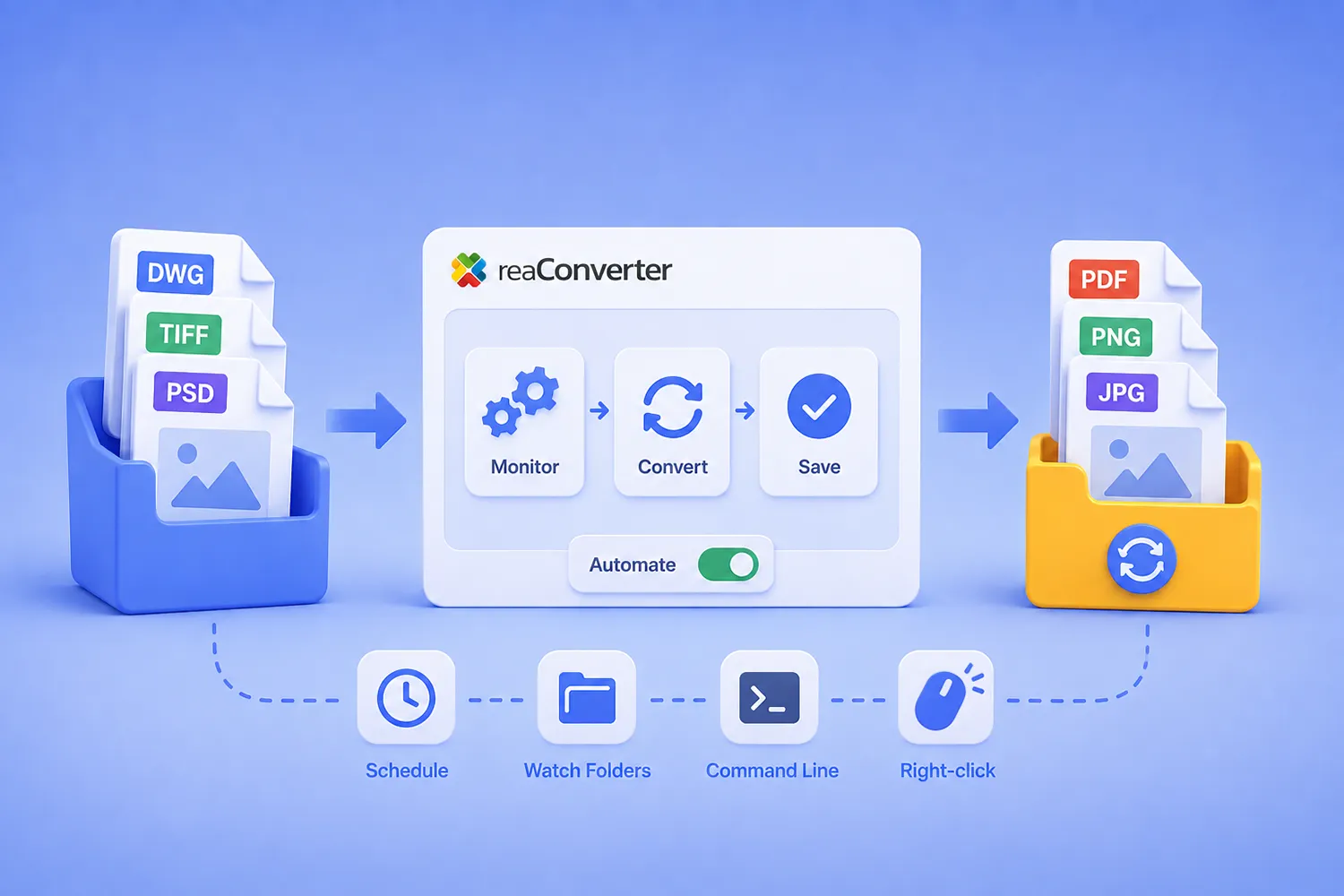
Automating File Conversion Workflows with reaConverter

Automating File Conversion Workflows with reaConverter

Short answer: reaConverter automates file conversion through three layers that share the same settings engine. The Windows context menu handles ad-hoc jobs, Watch Folders convert files the moment they land in a monitored directory, and the command-line tool (cons_rcp.exe) runs scheduled and scripted jobs. Watch Folders run as a Windows service and require local storage. The command line reads network paths without restriction. All three read the same .cfg configuration files and .act action files, so a workflow you design once in the interface runs identically everywhere. Watch Folders and the command line require reaConverter Pro.

This guide covers how those layers fit together, how to build a pipeline that survives unattended operation, and six complete workflows you can adapt.
Read more

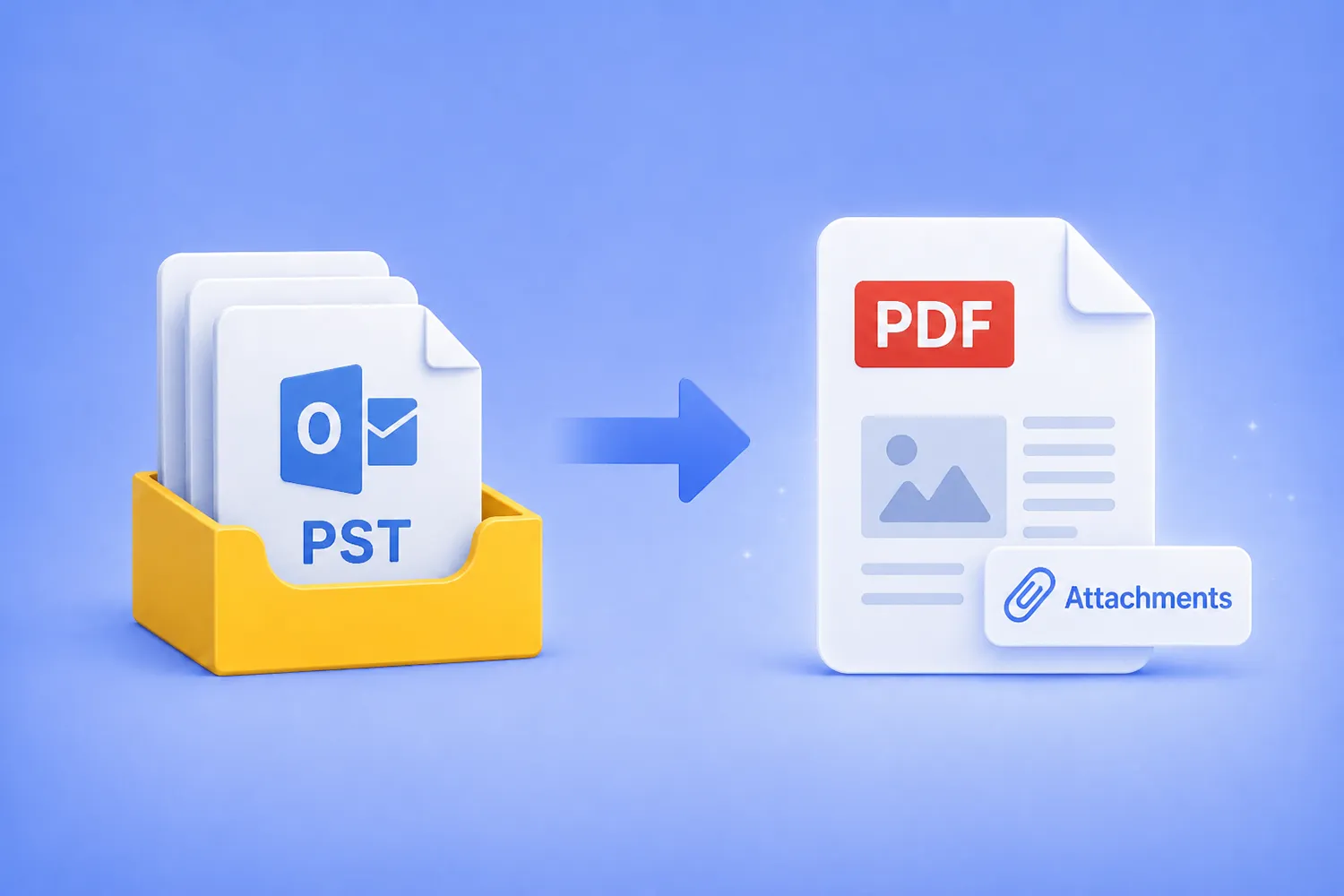
How to Convert PST to PDF With Attachments (No Outlook Needed)

Turn an entire Outlook PST archive into searchable PDFs, with every email and its original attachments preserved inside, using the GUI, Watch Folders, or the command line. No Outlook install, no cloud upload, everything stays on your machine.

Convert PST to PDF with embedded attachments using reaConverter

Read more

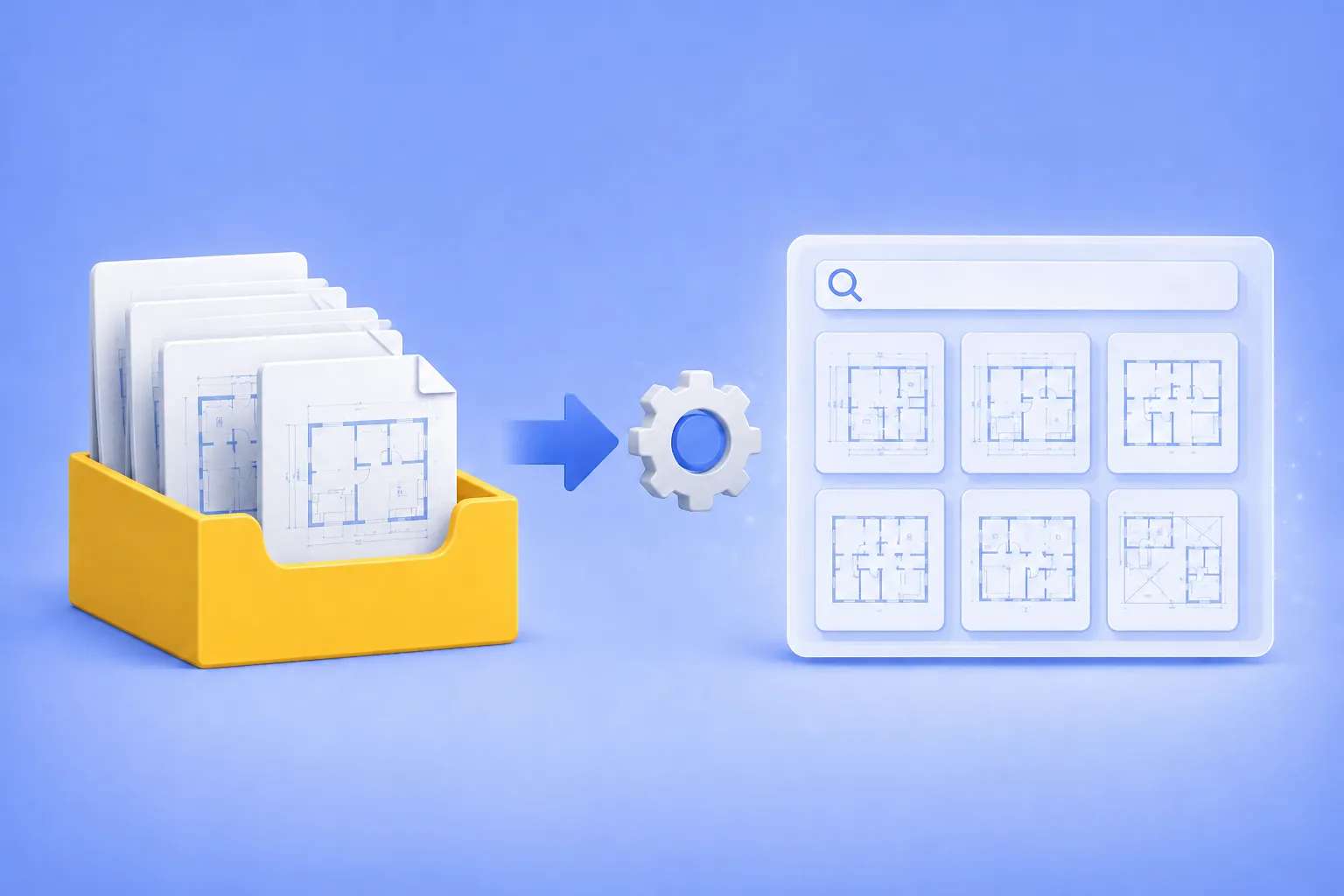
Batch DWG Preview Generation for Small Engineering Firms

How Small Engineering and Architectural Firms Build Searchable CAD Archives Without an IT Department.

Batch DWG Preview Generation

If you run a small engineering or architectural firm, you probably have a folder somewhere on a network drive that everyone calls “the archive.” It holds ten, twenty, sometimes thirty years of DWG and DXF files. And every few weeks, the same thing happens: someone needs to find a specific drawing from 2014, no one remembers the exact filename, and an hour disappears while a designer opens files one by one in AutoCAD trying to recognize them.

Read more