How Small Engineering and Architectural Firms Build Searchable CAD Archives Without an IT Department.
If you run a small engineering or architectural firm, you probably have a folder somewhere on a network drive that everyone calls “the archive.” It holds ten, twenty, sometimes thirty years of DWG and DXF files. And every few weeks, the same thing happens: someone needs to find a specific drawing from 2014, no one remembers the exact filename, and an hour disappears while a designer opens files one by one in AutoCAD trying to recognize them.
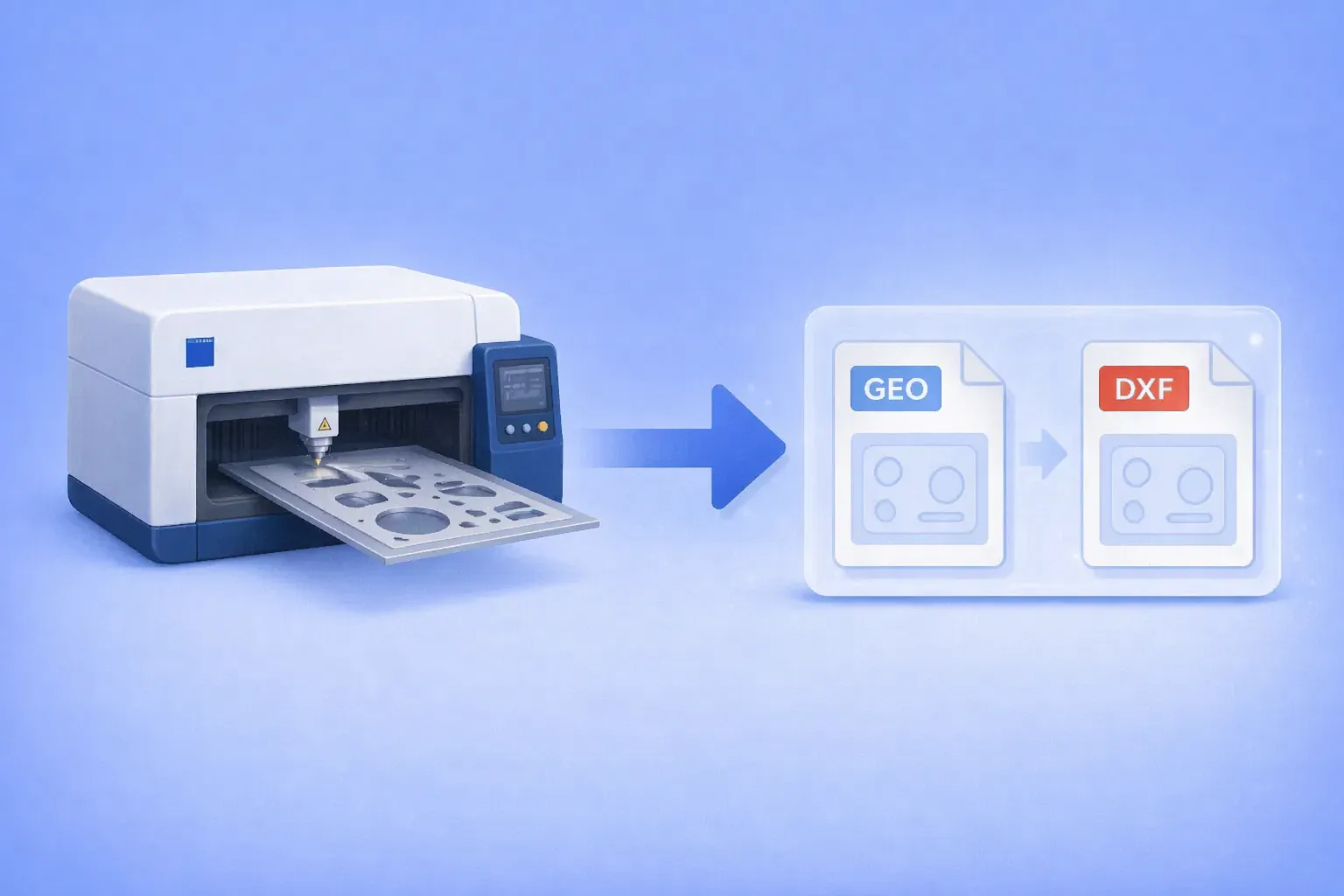
Batch convert Trumpf GEO files to DXF — using the GUI, Watch Folders, or command line. Works on any Windows PC.
The .geo file format belongs to Trumpf’s TruTops suite, the CAM software that drives TruLaser, TruPunch, and TruMatic sheet metal machines. It stores 2D part geometry for laser cutting and punching: outer and inner contours, bend data, material type, and thickness.
Outside the Trumpf ecosystem, almost nothing opens it. Generic CAD programs don’t recognize the format. Online converters either skip it or silently fail. Forum threads going back more than a decade end with the same two answers: go back to the shop that made the file, or license TruTops Convert from Trumpf.
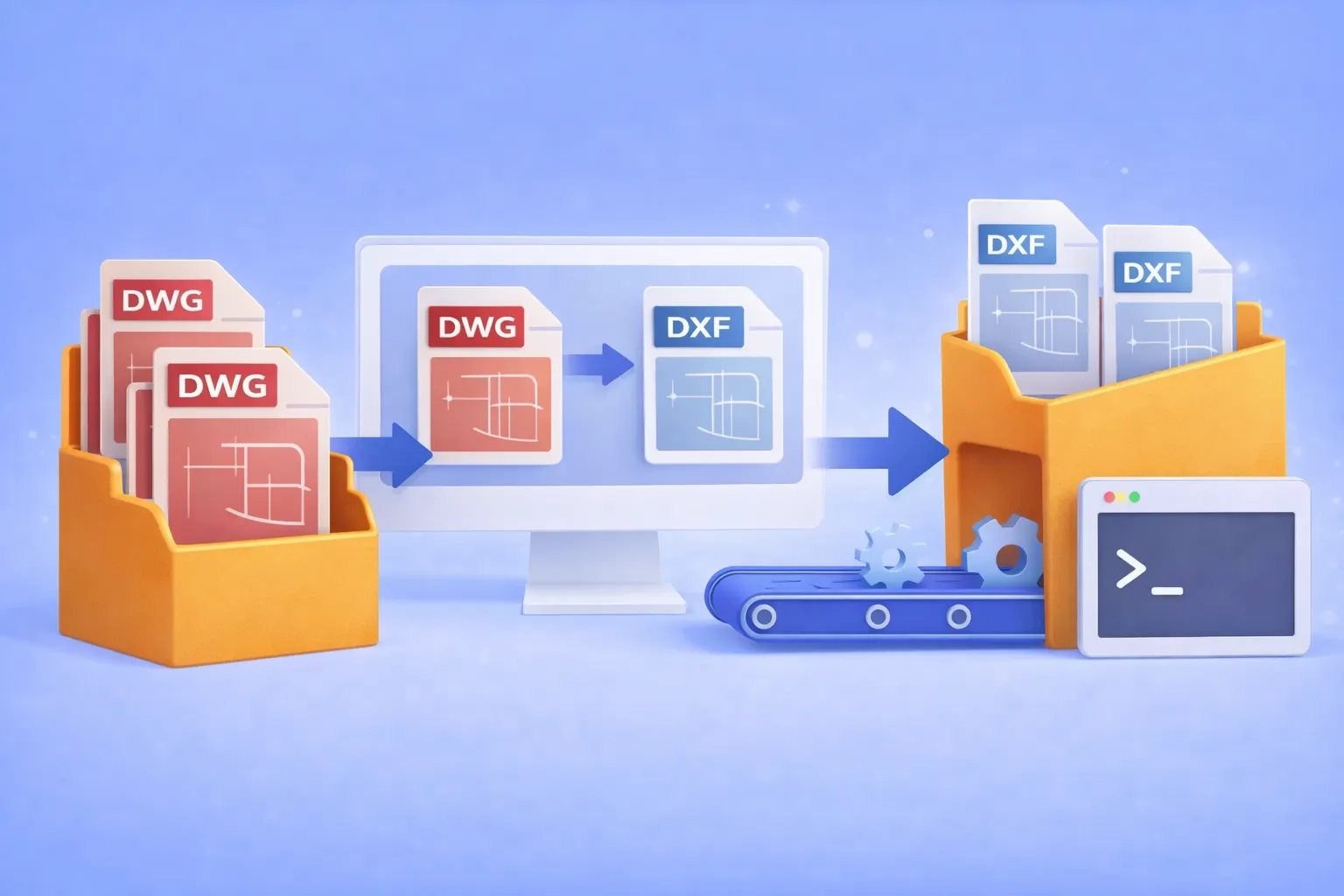
Batch convert hundreds of DWG drawings to open DXF format — using the GUI, Watch Folders, or command line. No AutoCAD license required.
Why convert DWG to DXF?
DWG is the native binary format of AutoCAD. It’s powerful, but proprietary. When you need to share drawings with partners who use SolidWorks, BricsCAD, FreeCAD, LibreCAD, or any non-Autodesk CAD tool, the proprietary DWG container becomes a bottleneck. DXF (Drawing Exchange Format) was designed specifically to solve this: it’s an open, documented interchange format that virtually every CAD program can read and write.
Common real-world scenarios where DWG → DXF conversion is essential:
Cross-platform collaboration with partners who use SolidWorks, BricsCAD, FreeCAD, or other non-Autodesk CAD tools.
CNC and laser cutter pipelines that accept only DXF input.
Archival and compliance requirements where an open format avoids vendor lock-in.
Automated production workflows where DWG files must be converted before entering a review or manufacturing system.
If you’re converting one or two files, an online tool might do. But when the job involves hundreds of drawings on a recurring basis, you need batch automation that runs offline, keeps your intellectual property on your hardware, and doesn’t require an expensive AutoCAD seat.
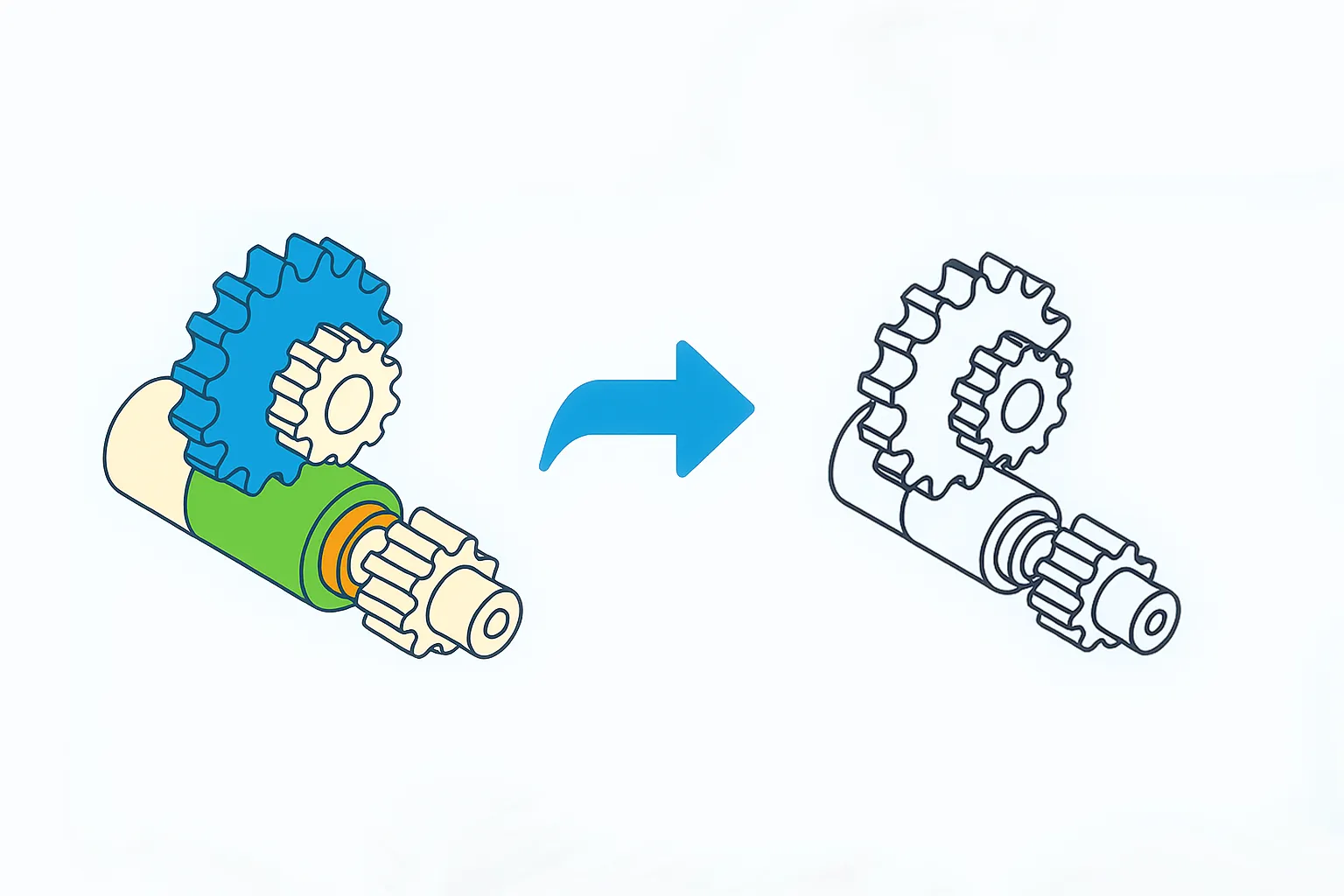
reaConverter can easily transform complex 3D models into clean 2D projections. This powerful feature converts three-dimensional CAD files into flat technical drawings or illustrations, perfect for documentation, manufacturing, and presentation purposes.
Drag, drop, done — turn any folder into an instant file converter.
What is a “Watch Folder”?
A Watch Folder is simply a normal Windows folder that reaConverter silently “watches.” Whenever you drop or copy a file into that folder, the program automatically converts (and optionally edits) the file and saves the result wherever you tell it — without you having to press a single button. It’s a built-in automation tool designed for non-technical users who regularly handle dozens or thousands of images, or documents.
DWF (Design Web Format) is an Autodesk extension usually attached to drawings representing architectural plans, building projects or product designs. The format was released in mid-1990s with the aim of improving accessibility for users who don’t necessarily know how to use AutoCAD but are part of creative teams responsible for designs.
DWF files allow you to view, review and print design data. They can be single-page or multipage and are highly compressed, which means they are usually small in size and easy to transfer or store. However, most regular image viewers cannot open DWF files. They usually require some specialized software or a CAD program.
DWG and DXF are two of the most widely used graphics formats in the construction and engineering industry. They are usually created via AutoCAD, the popular software for drafting 2D and 3D computer-aided design projects, and they store large layered files with detailed building plans, maps, model designs etc. DXF represents the interchange version of DWG and both formats are scalable vectors storing images as polygons.
Are you an architect or a designer? Then DWG (Drawing) is probably a format you use very often. Highly popular in the construction and engineering business, DWG files store sketches and building projects, maps and geometric data. They represent the native format of AutoCAD, which is probably the best known computer-aided design software.
One of the advantages of using the DWG format is the possibility to attach referenced drawings or XREFs. These are linked to the main drawing, but the best part is they are not actually inserted into it, which means they do not add to its file size. However, when an editing or update is made to the xref drawing, it also appears in the main DWG file.