How to Batch Convert DWG to DXF Without AutoCAD

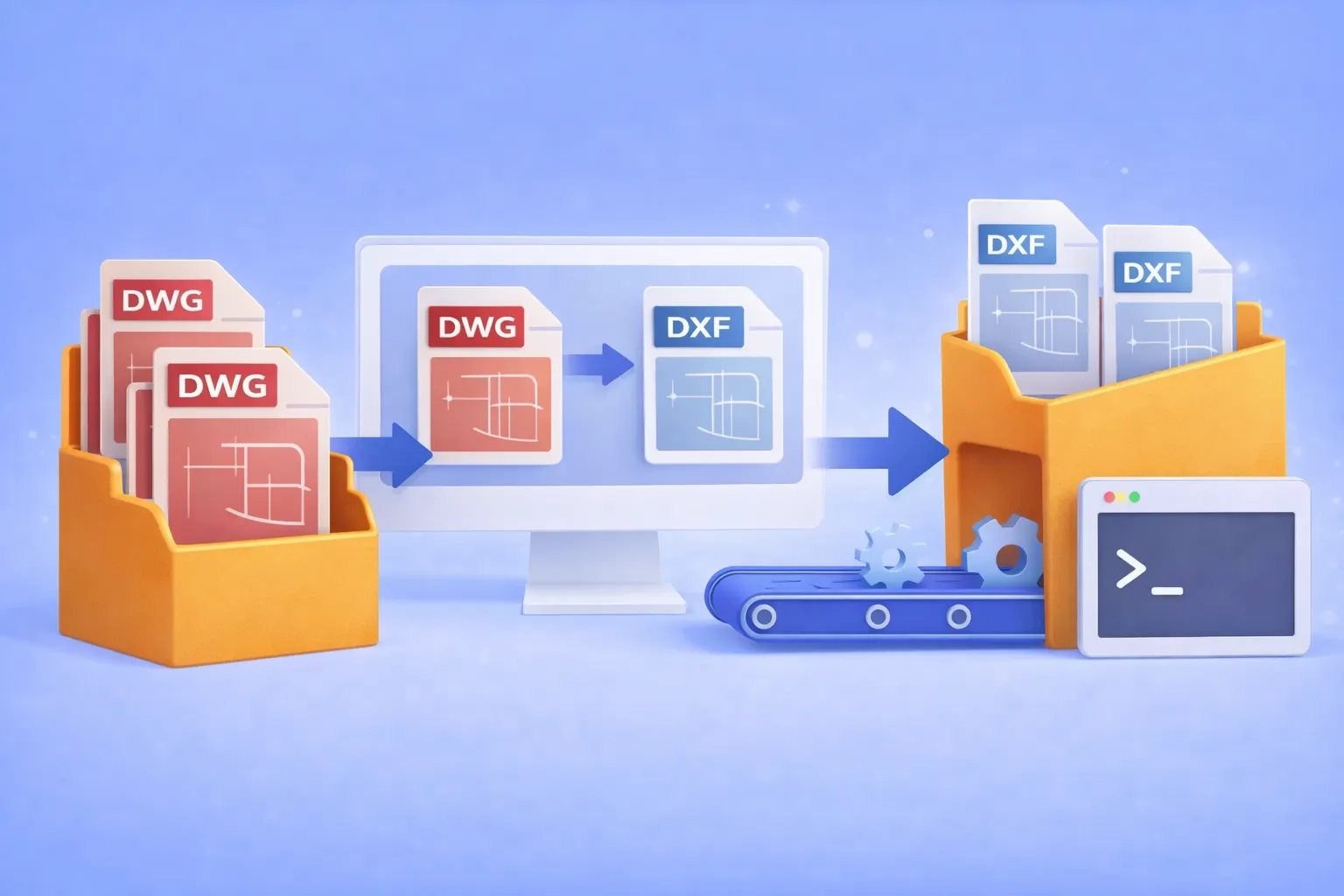
Batch convert hundreds of DWG drawings to open DXF format — using the GUI, Watch Folders, or command line. No AutoCAD license required.

DWG to DXF Batch Converter

Why convert DWG to DXF?

DWG is the native binary format of AutoCAD. It’s powerful, but proprietary. When you need to share drawings with partners who use SolidWorks, BricsCAD, FreeCAD, LibreCAD, or any non-Autodesk CAD tool, the proprietary DWG container becomes a bottleneck. DXF (Drawing Exchange Format) was designed specifically to solve this: it’s an open, documented interchange format that virtually every CAD program can read and write.

Common real-world scenarios where DWG → DXF conversion is essential:

  • Cross-platform collaboration with partners who use SolidWorks, BricsCAD, FreeCAD, or other non-Autodesk CAD tools.
  • CNC and laser cutter pipelines that accept only DXF input.
  • Archival and compliance requirements where an open format avoids vendor lock-in.
  • Automated production workflows where DWG files must be converted before entering a review or manufacturing system.

If you’re converting one or two files, an online tool might do. But when the job involves hundreds of drawings on a recurring basis, you need batch automation that runs offline, keeps your intellectual property on your hardware, and doesn’t require an expensive AutoCAD seat.

Get reaConverter — batch convert DWG to DXF

That’s where reaConverter comes in.

Read more

Set-and-Forget Image Conversion: A Beginner-Friendly Guide to reaConverter’s Watch Folders

Drag, drop, done — turn any folder into an instant file converter.

reaConverter’s Watch Folders

What is a “Watch Folder”?

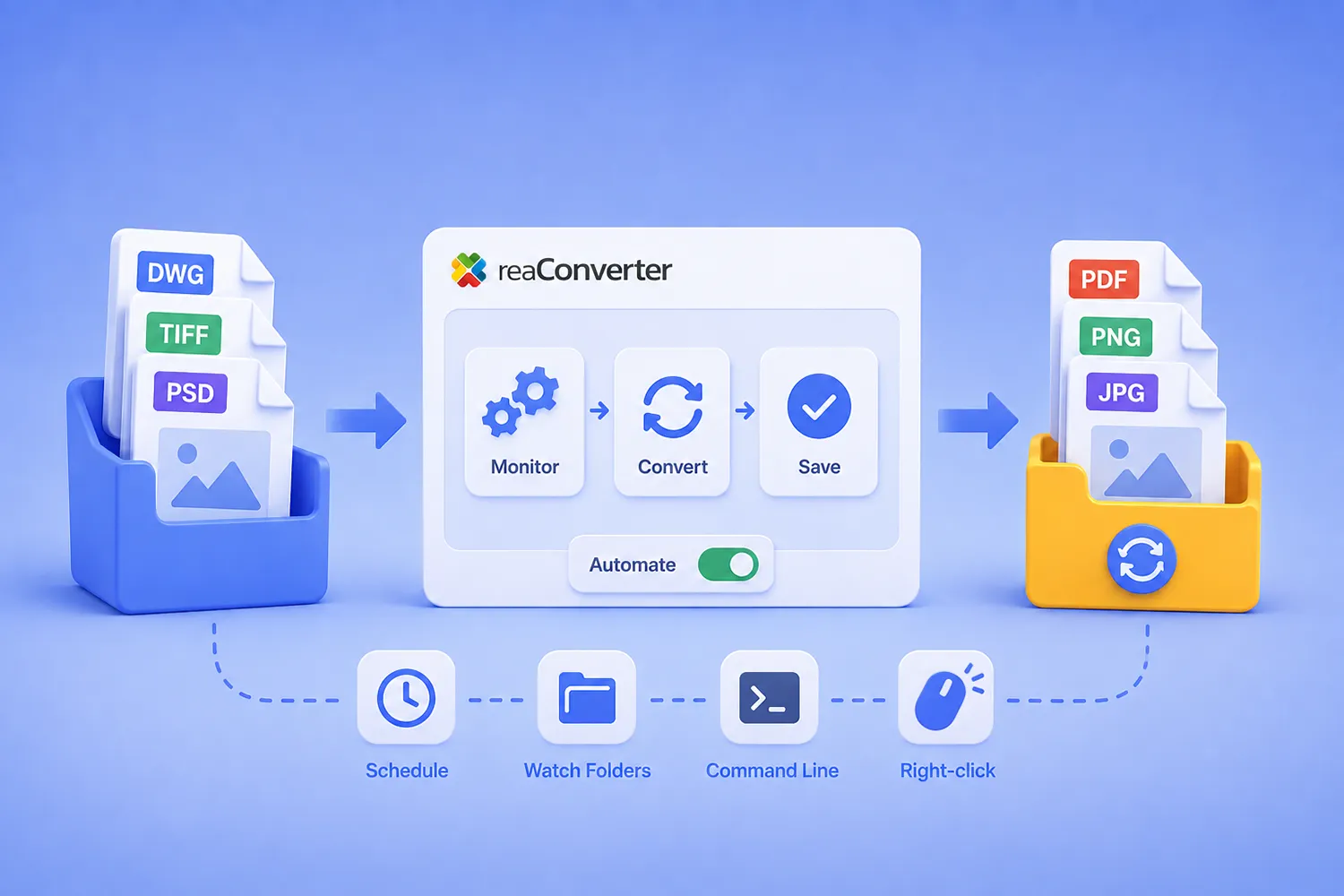
A Watch Folder is simply a normal Windows folder that reaConverter silently “watches.” Whenever you drop or copy a file into that folder, the program automatically converts (and optionally edits) the file and saves the result wherever you tell it — without you having to press a single button. It’s a built-in automation tool designed for non-technical users who regularly handle dozens or thousands of images, or documents.

Read more