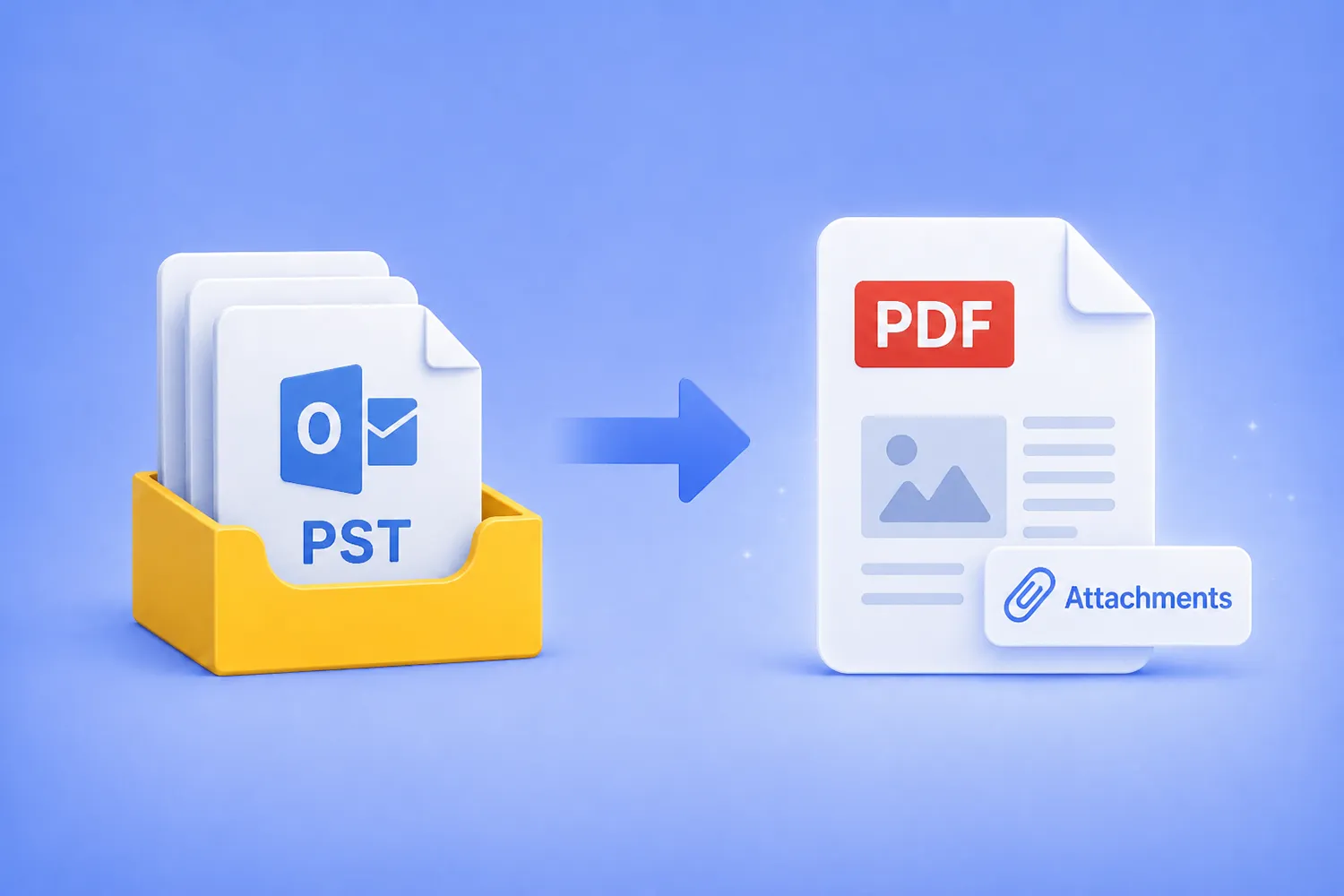
Turn an entire Outlook PST archive into searchable PDFs, with every email and its original attachments preserved inside, using the GUI, Watch Folders, or the command line. No Outlook install, no cloud upload, everything stays on your machine.

Turn an entire Outlook PST archive into searchable PDFs, with every email and its original attachments preserved inside, using the GUI, Watch Folders, or the command line. No Outlook install, no cloud upload, everything stays on your machine.

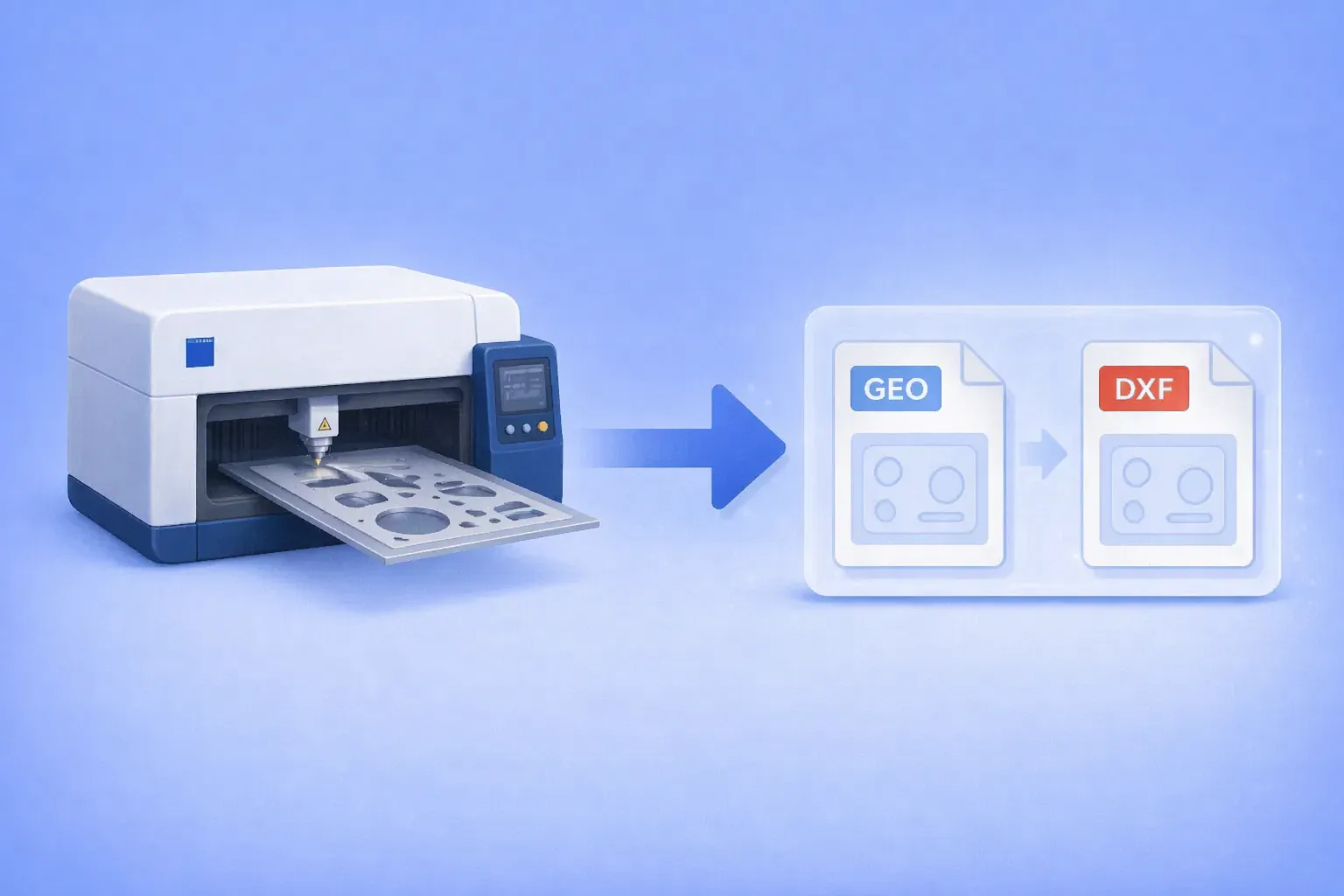
Batch convert Trumpf GEO files to DXF — using the GUI, Watch Folders, or command line. Works on any Windows PC.

The .geo file format belongs to Trumpf’s TruTops suite, the CAM software that drives TruLaser, TruPunch, and TruMatic sheet metal machines. It stores 2D part geometry for laser cutting and punching: outer and inner contours, bend data, material type, and thickness.
Outside the Trumpf ecosystem, almost nothing opens it. Generic CAD programs don’t recognize the format. Online converters either skip it or silently fail. Forum threads going back more than a decade end with the same two answers: go back to the shop that made the file, or license TruTops Convert from Trumpf.
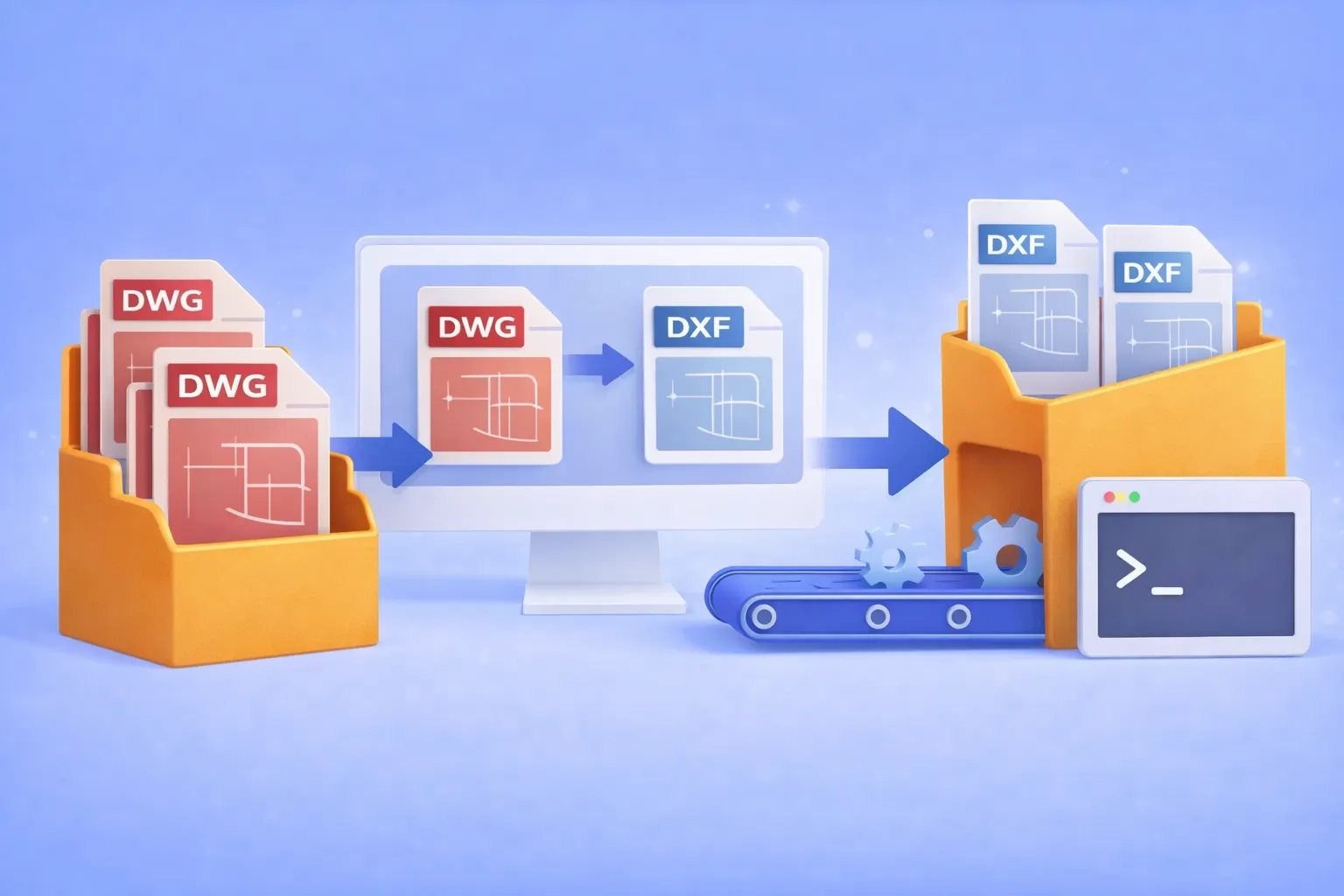
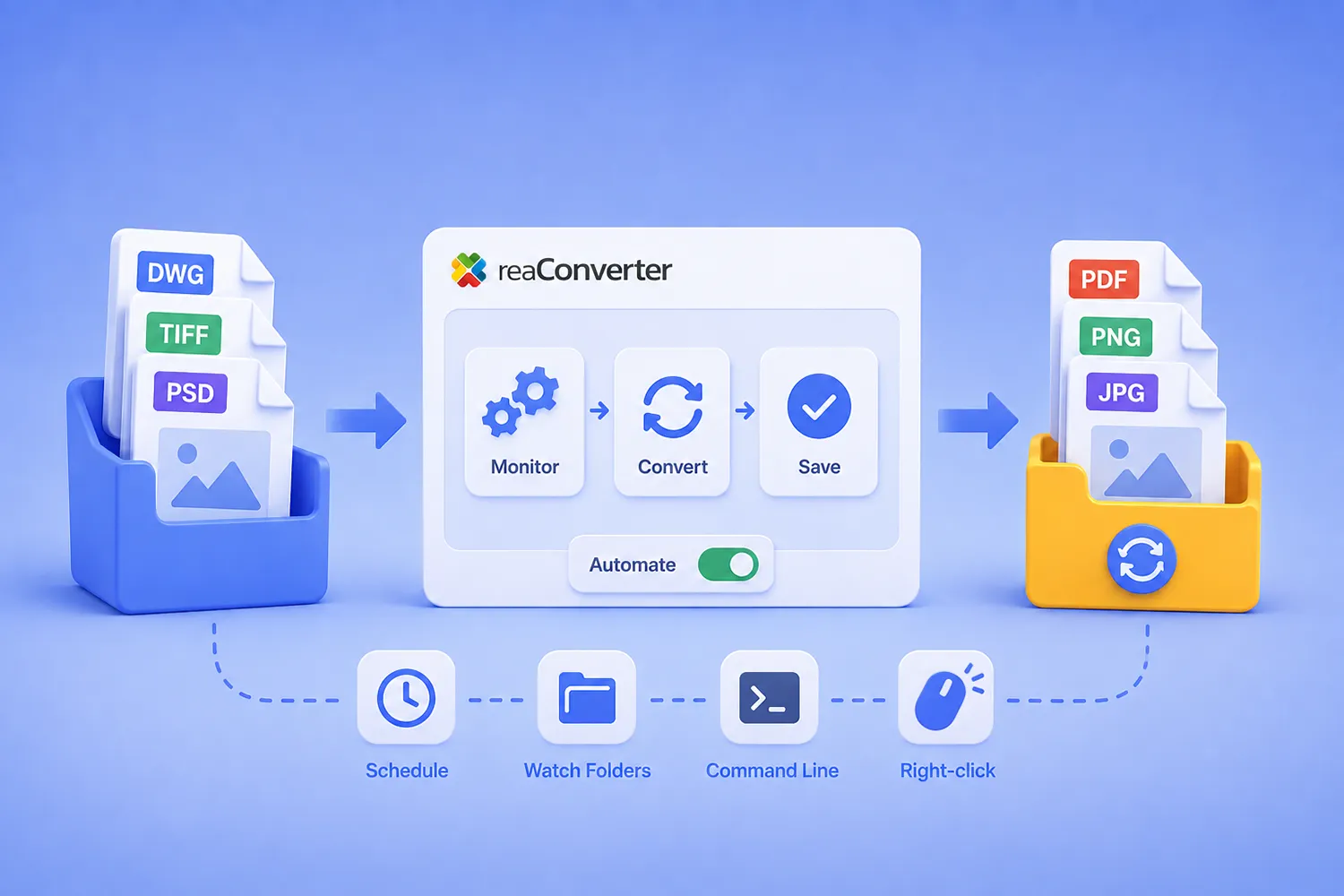
Batch convert hundreds of DWG drawings to open DXF format — using the GUI, Watch Folders, or command line. No AutoCAD license required.

DWG is the native binary format of AutoCAD. It’s powerful, but proprietary. When you need to share drawings with partners who use SolidWorks, BricsCAD, FreeCAD, LibreCAD, or any non-Autodesk CAD tool, the proprietary DWG container becomes a bottleneck. DXF (Drawing Exchange Format) was designed specifically to solve this: it’s an open, documented interchange format that virtually every CAD program can read and write.
Common real-world scenarios where DWG → DXF conversion is essential:
If you’re converting one or two files, an online tool might do. But when the job involves hundreds of drawings on a recurring basis, you need batch automation that runs offline, keeps your intellectual property on your hardware, and doesn’t require an expensive AutoCAD seat.

That’s where reaConverter comes in.

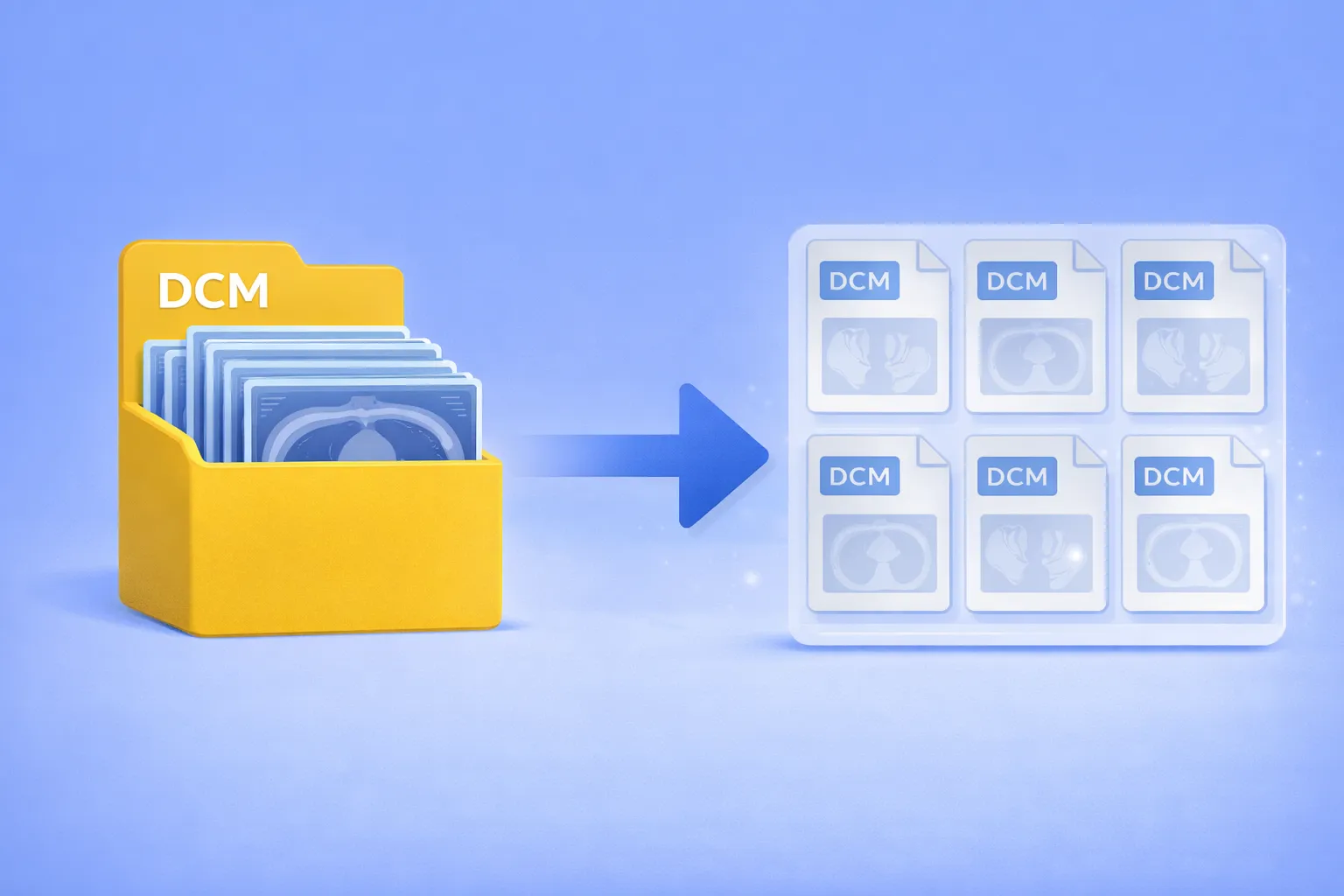
Multiframe DICOM files pack dozens or even hundreds of image frames into a single container. CT volumes, MRI sequences, ultrasound cine loops, and nuclear medicine studies are commonly stored this way. When a downstream system, analysis pipeline, or colleague expects one-image-per-file DICOM, you’re stuck — most conversion tools either ignore the extra frames or don’t offer DICOM as an output format at all. The usual alternatives are writing Python scripts with pydicom, wrestling with dcmtk command-line utilities, or paying for specialized medical imaging software.