How Small Engineering and Architectural Firms Build Searchable CAD Archives Without an IT Department.
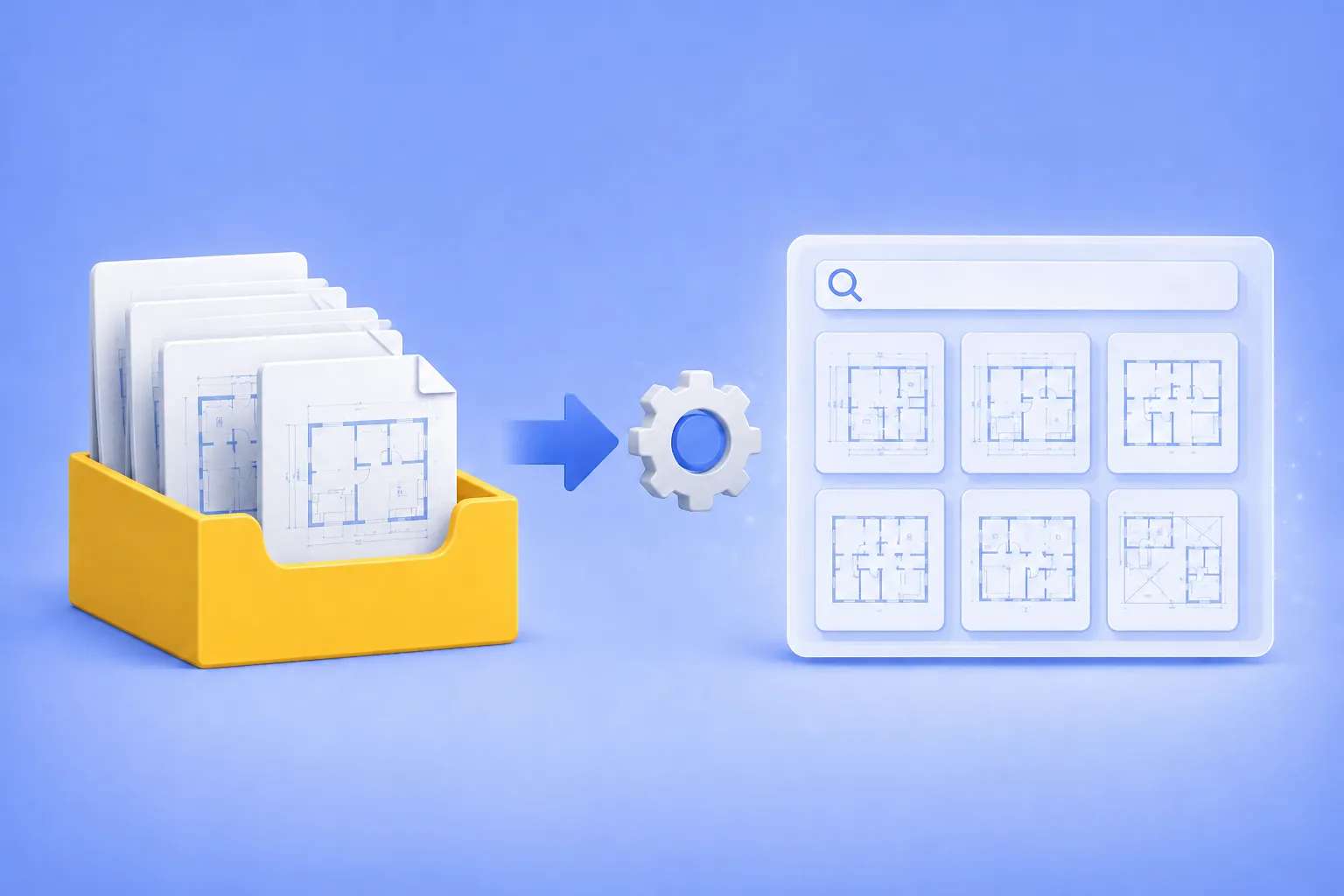
If you run a small engineering or architectural firm, you probably have a folder somewhere on a network drive that everyone calls “the archive.” It holds ten, twenty, sometimes thirty years of DWG and DXF files. And every few weeks, the same thing happens: someone needs to find a specific drawing from 2014, no one remembers the exact filename, and an hour disappears while a designer opens files one by one in AutoCAD trying to recognize them.
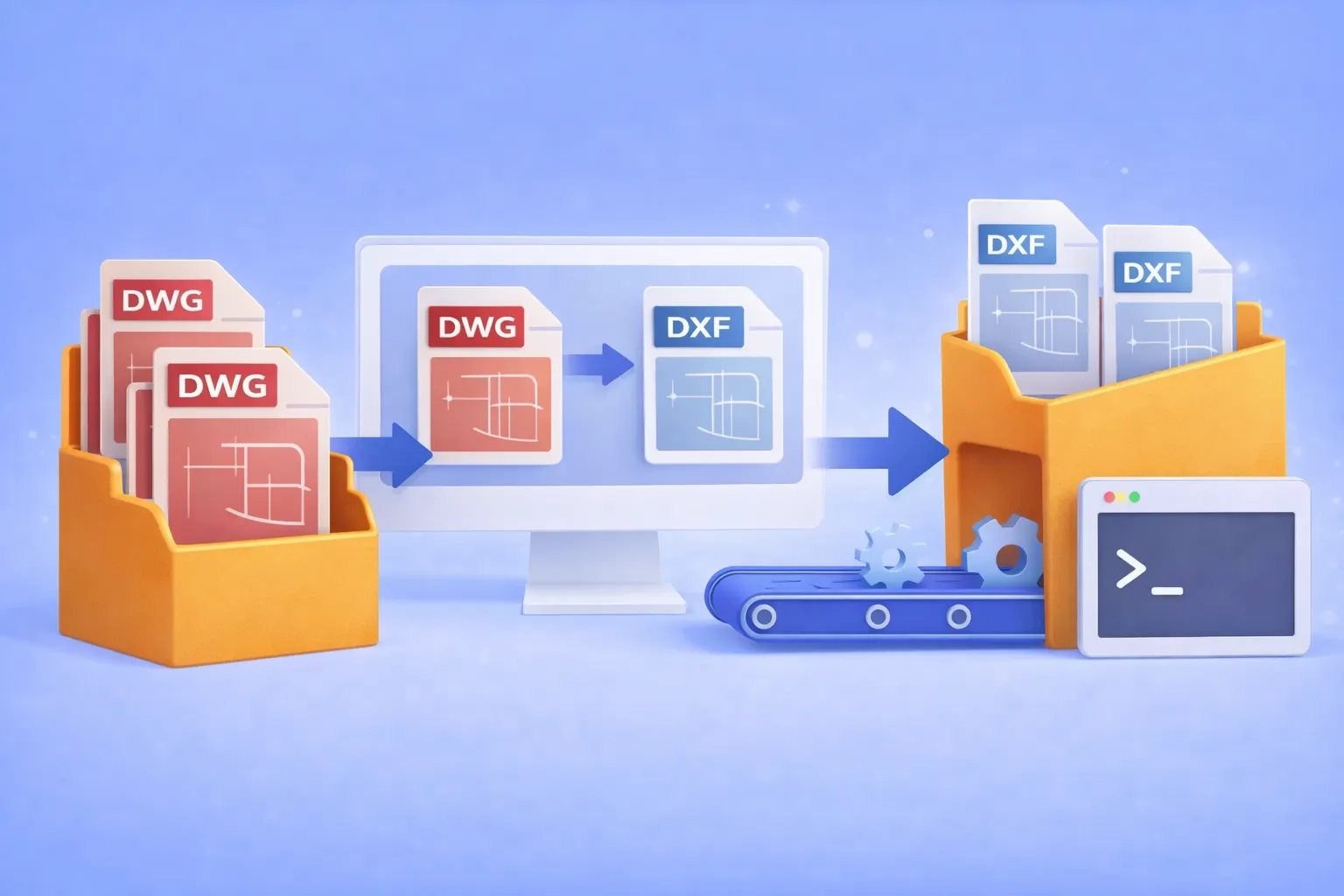
Batch convert hundreds of DWG drawings to open DXF format — using the GUI, Watch Folders, or command line. No AutoCAD license required.
Why convert DWG to DXF?
DWG is the native binary format of AutoCAD. It’s powerful, but proprietary. When you need to share drawings with partners who use SolidWorks, BricsCAD, FreeCAD, LibreCAD, or any non-Autodesk CAD tool, the proprietary DWG container becomes a bottleneck. DXF (Drawing Exchange Format) was designed specifically to solve this: it’s an open, documented interchange format that virtually every CAD program can read and write.
Common real-world scenarios where DWG → DXF conversion is essential:
Cross-platform collaboration with partners who use SolidWorks, BricsCAD, FreeCAD, or other non-Autodesk CAD tools.
CNC and laser cutter pipelines that accept only DXF input.
Archival and compliance requirements where an open format avoids vendor lock-in.
Automated production workflows where DWG files must be converted before entering a review or manufacturing system.
If you’re converting one or two files, an online tool might do. But when the job involves hundreds of drawings on a recurring basis, you need batch automation that runs offline, keeps your intellectual property on your hardware, and doesn’t require an expensive AutoCAD seat.