Turn an entire Outlook PST archive into searchable PDFs, with every email and its original attachments preserved inside, using the GUI, Watch Folders, or the command line. No Outlook install, no cloud upload, everything stays on your machine.
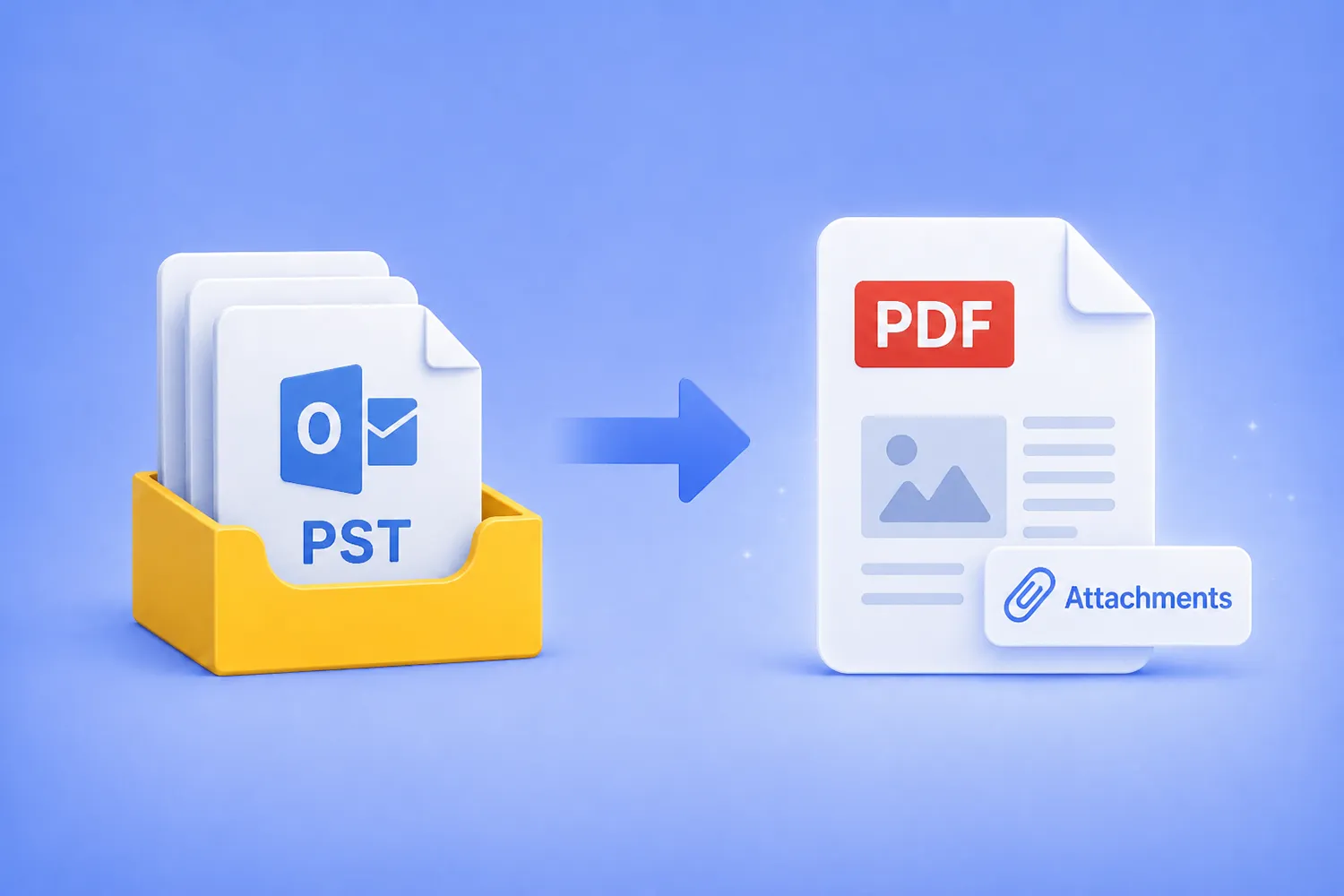

Turn an entire Outlook PST archive into searchable PDFs, with every email and its original attachments preserved inside, using the GUI, Watch Folders, or the command line. No Outlook install, no cloud upload, everything stays on your machine.
Batch convert hundreds of DWG drawings to open DXF format — using the GUI, Watch Folders, or command line. No AutoCAD license required.
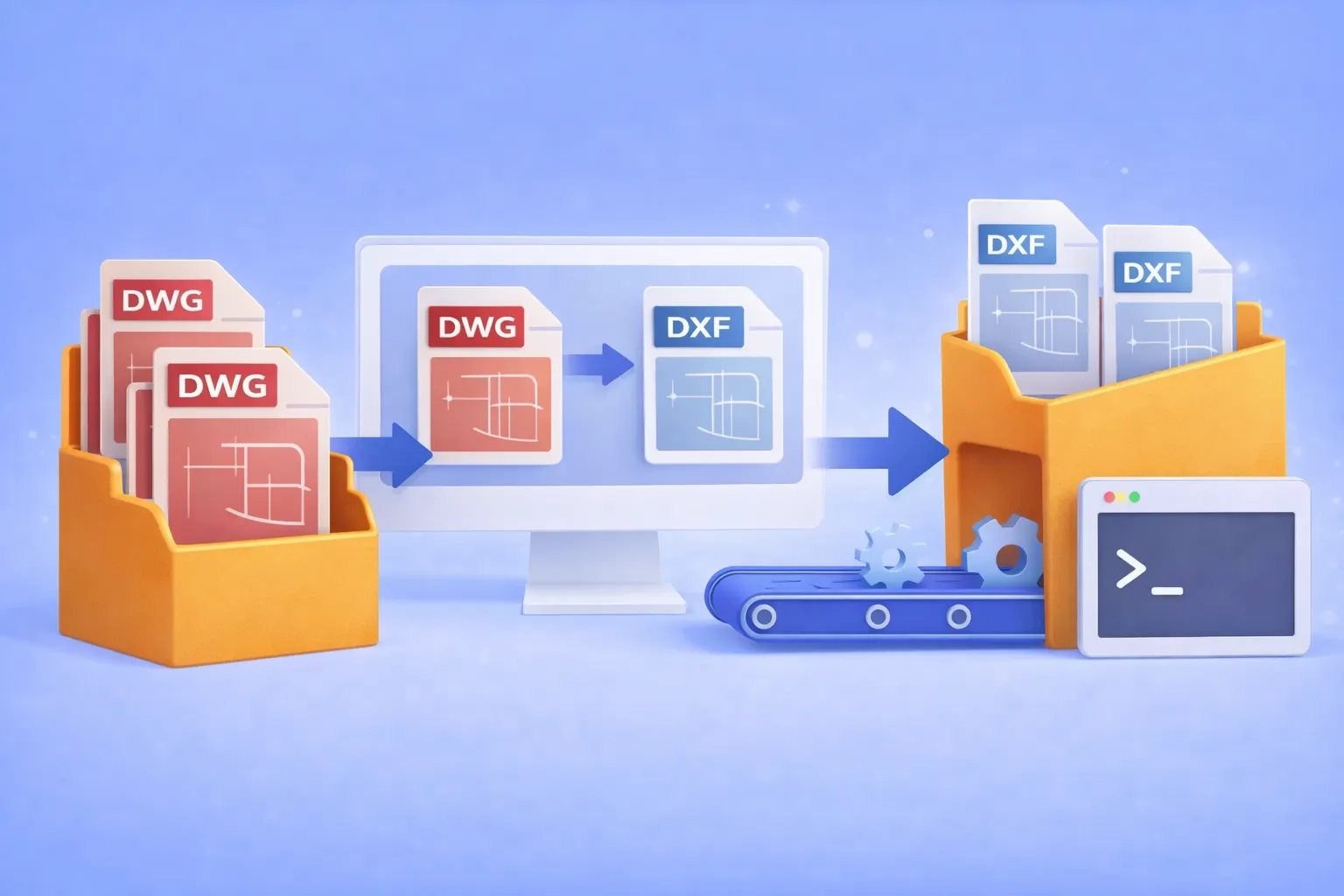
DWG is the native binary format of AutoCAD. It’s powerful, but proprietary. When you need to share drawings with partners who use SolidWorks, BricsCAD, FreeCAD, LibreCAD, or any non-Autodesk CAD tool, the proprietary DWG container becomes a bottleneck. DXF (Drawing Exchange Format) was designed specifically to solve this: it’s an open, documented interchange format that virtually every CAD program can read and write.
Common real-world scenarios where DWG → DXF conversion is essential:
If you’re converting one or two files, an online tool might do. But when the job involves hundreds of drawings on a recurring basis, you need batch automation that runs offline, keeps your intellectual property on your hardware, and doesn’t require an expensive AutoCAD seat.

That’s where reaConverter comes in.

DWG is one of the most commonly used formats in the construction industry. Created in the 1980s as a proprietary extension of AutoCAD — probably the best known software in this business — DWG is perfect for storing design and geometric data, building project and sketches, detailed maps etc. So if you are an architect, engineer, designer or have another profession connected to constructions, you probably use this format a lot.
Though extremely practical for storing detailed representations of building details, DWG files have the downside of being extremely large and offering a relatively limited compatibility with other software. That’s why most professionals in the industry choose to convert DWG vector files to PDF — which offers significantly wider accessibility options — when sending them to clients or partners who don’t have AutoCAD installed, for example.
If you are one of those professionals who need to handle a large number of DWG to PDF conversions on a regular basis, we have some great news for you! reaConverter offers a handy solution that helps avoid repeating the same set of operations over and over again, thus saving time and effort. Using the Watch Folders feature, you can now automate your conversions in no more than 4 easy steps.

The PCL (Printer Command Language) format was first used in the 1980s by Hewlett-Packard inkjet printers for creating digital copies of printed documents and developed in time as an industry standard. It now continues to be used by various models of printers, including laser-jets. Files with this extension are somewhat similar with PostScript (PS), though they offer less features and are more difficult to open.