
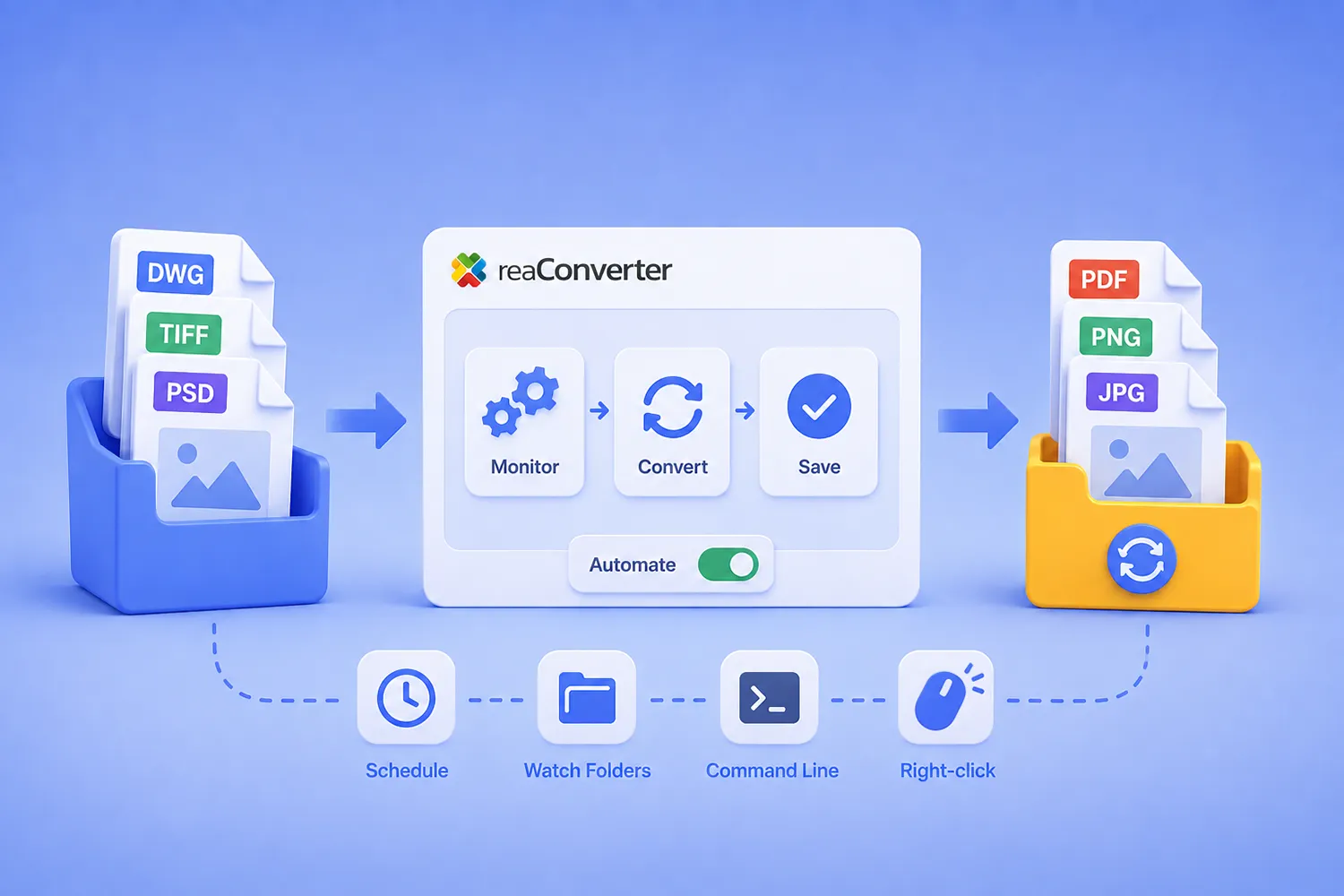
Short answer: reaConverter automates file conversion through three layers that share the same settings engine. The Windows context menu handles ad-hoc jobs, Watch Folders convert files the moment they land in a monitored directory, and the command-line tool (cons_rcp.exe) runs scheduled and scripted jobs. Watch Folders run as a Windows service and require local storage. The command line reads network paths without restriction. All three read the same .cfg configuration files and .act action files, so a workflow you design once in the interface runs identically everywhere. Watch Folders and the command line require reaConverter Pro.
This guide covers how those layers fit together, how to build a pipeline that survives unattended operation, and six complete workflows you can adapt.
