
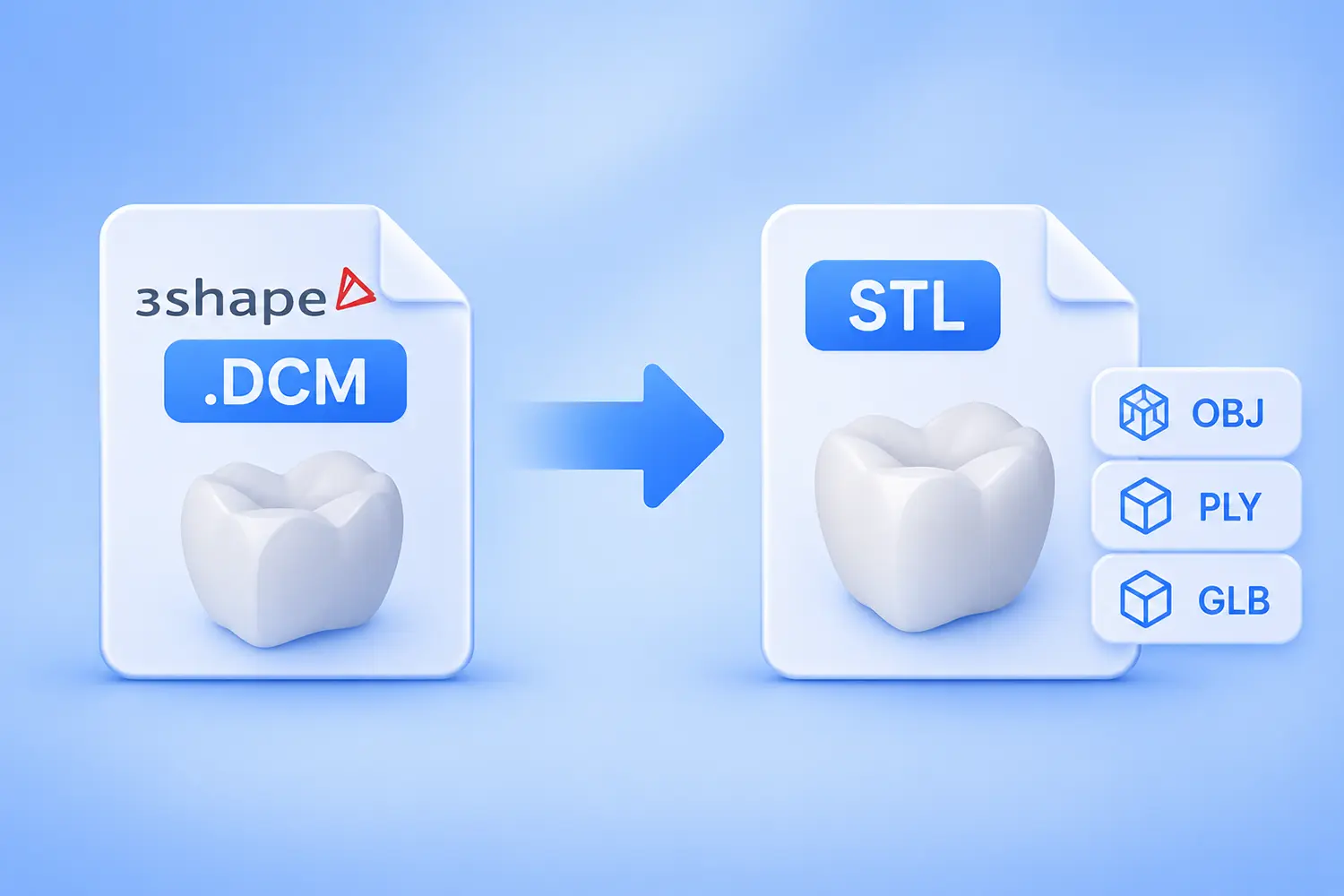
How to Convert 3Shape DCM Files to STL, OBJ, PLY and GLB

3Shape DCM dental scan and crown converted to 3D models.

Export 3Shape DCM dental scans and restorations into 3D models for printing, viewing, and archiving

Dental scans and crown designs are the working documents of every clinic and lab. A scanner records the patient’s teeth, design software turns the scan into a crown, a bridge, or an abutment, and the files travel between clinics, labs, and milling centers. Many of them are saved as .dcm.
Read more

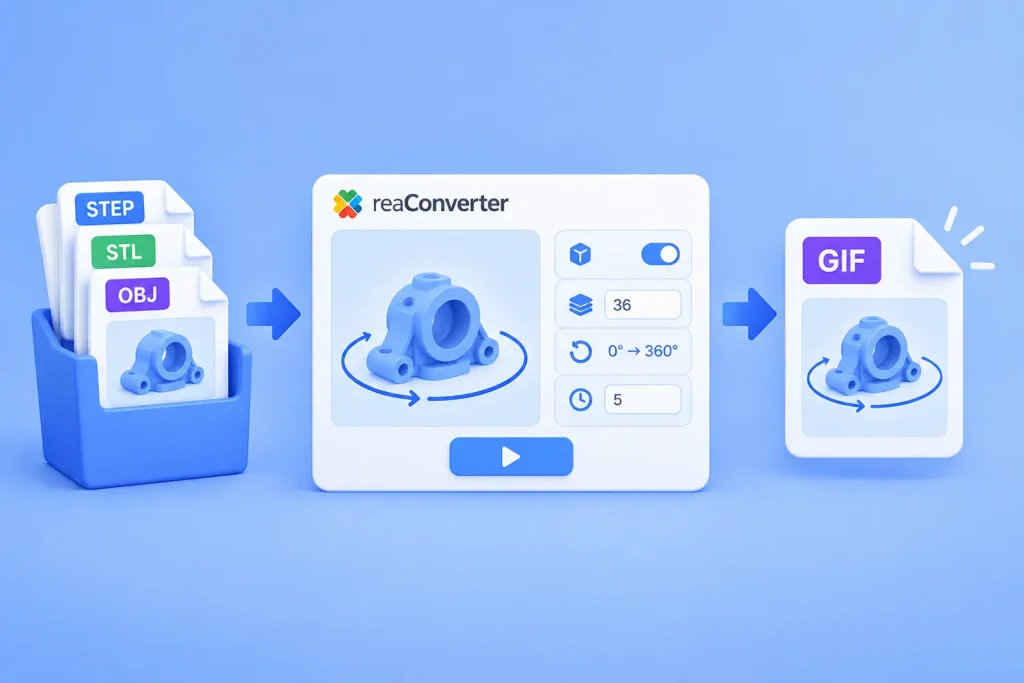
How to Make a Rotating GIF from a 3D Model (STEP, STL, OBJ)

Turn one model or a whole folder of STEP, STL and OBJ files into spinning GIF, WebP or AVIF previews, from the interface, Watch Folders or the command line, without a 3D program.

Rotating GIF from a 3D Model: STEP, STL, OBJ in Batch

Short answer: reaConverter renders a 3D model at a series of angles and saves the frames as one animated file. Open Menu → Loading settings → 3D formats, tick Create multiple frames, set 36 frames and Change Z from 0 to 360. Fix the viewing angle with Change X 75 to 75 and Change Y 5 to 5. Then save as GIF with an Animation delay time of 5. It works on one model or a whole folder, offline.

Read more