
How to Batch Convert DWG to DXF Without AutoCAD

Batch convert hundreds of DWG drawings to open DXF format — using the GUI, Watch Folders, or command line. No AutoCAD license required.
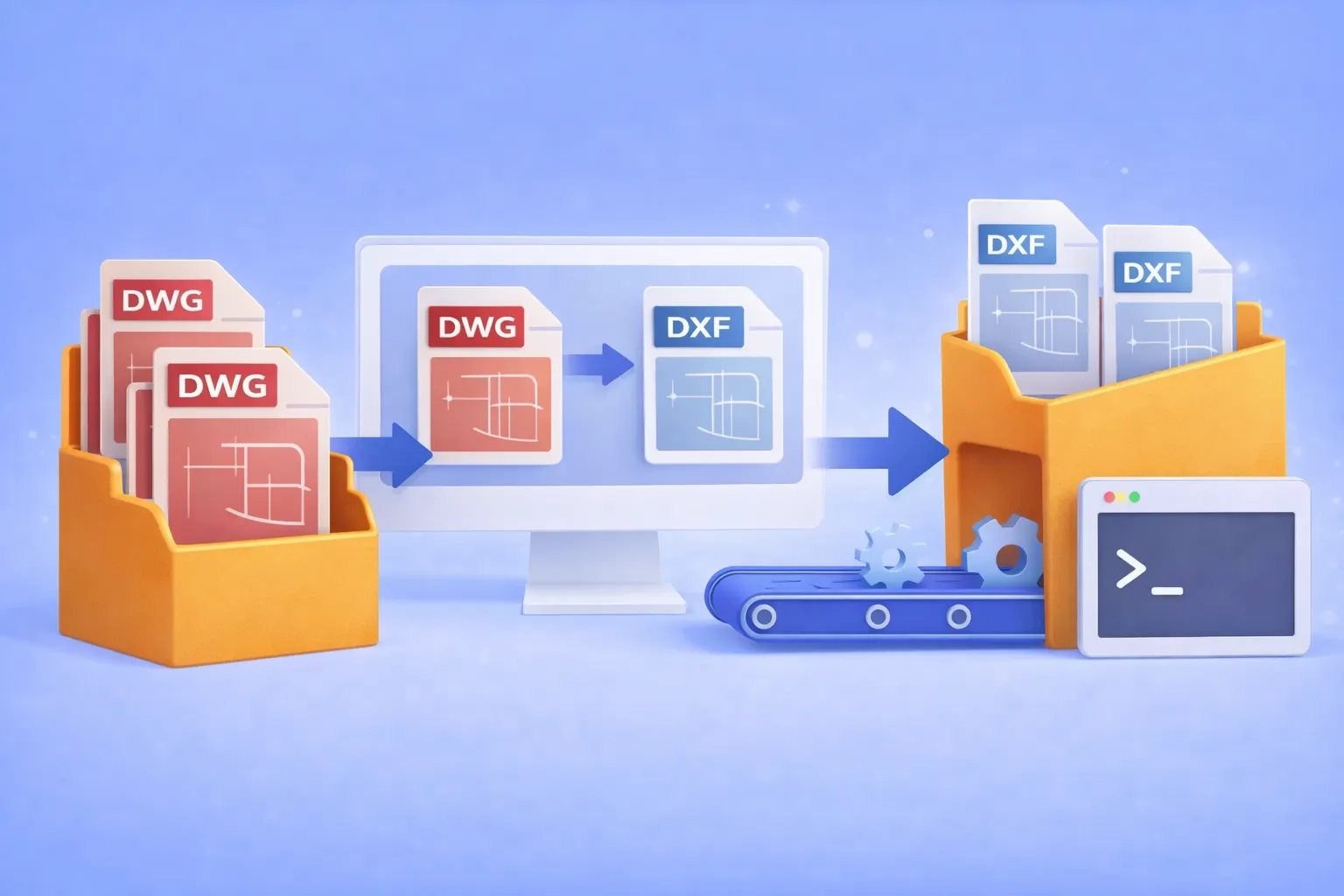
DWG to DXF Batch Converter

Why convert DWG to DXF?

DWG is the native binary format of AutoCAD. It’s powerful, but proprietary. When you need to share drawings with partners who use SolidWorks, BricsCAD, FreeCAD, LibreCAD, or any non-Autodesk CAD tool, the proprietary DWG container becomes a bottleneck. DXF (Drawing Exchange Format) was designed specifically to solve this: it’s an open, documented interchange format that virtually every CAD program can read and write.

Common real-world scenarios where DWG → DXF conversion is essential:

  • Cross-platform collaboration with partners who use SolidWorks, BricsCAD, FreeCAD, or other non-Autodesk CAD tools.
  • CNC and laser cutter pipelines that accept only DXF input.
  • Archival and compliance requirements where an open format avoids vendor lock-in.
  • Automated production workflows where DWG files must be converted before entering a review or manufacturing system.

If you’re converting one or two files, an online tool might do. But when the job involves hundreds of drawings on a recurring basis, you need batch automation that runs offline, keeps your intellectual property on your hardware, and doesn’t require an expensive AutoCAD seat.

Get reaConverter — batch convert DWG to DXF

That’s where reaConverter comes in.

Read more

How to Automatically Select Files According to their Size & Extension

reaConverter is one of the most powerful converter of image formats, supporting over 640 extensions. One of its main advantages is that it allows you to work with large groups of files at once, which is ideal for photographers, designers, webpage creators and other professional image handlers. But it can also work great for amateurs!

To avoid the hassle of selecting images one by one when you have to edit a large number of them, reaConverter now lets you select them automatically using file size and/or extension as criteria. The option is not only available on the software’s GUI interface, in the Advanced file select section, but it can also be operated via command-line interface.

Read more

Converting PDFs Through Command-Prompt

Converting PDF from cmd

If you are a software developer who is trying to design a program that, among others, can deliver PDF conversion, reaConverter Pro is just what you need. Through its advanced feature that allows it to be operated through the command-line interface, reaConverter will easily integrate into the custom solution that meets the needs of your program’s client.

Read more

Integrating RAW Image Conversion in Your Custom Solution

Command-line interface for RAW conversion.

RAW image conversion represents a key feature used by professional photographers, graphic artists, web designers and other types of advanced image editors. In case you are a developer who designs a program addressed to these users and which can deliver RAW conversion, together with a wide array of image editing options, reaConverter Pro is just what you need! Why? Because, as opposed to many other converters, reaConverter Pro not only supports a GUI interface, but can also be operated through command-line. Which means it can help you integrate a large variety of image conversions — including from the RAW format — in your very own custom solution.

Read more

Converting DWG Files via Command-Line

Convert dwg via cmd

Are you designing a program targeting people who work in architecture, construction engineering or design? If so, you probably want to add DWG conversion as one of its useful features. DWG (“Drawing”) is one of the most helpful and popular formats in handling computer-aided design or drafting (CAD).

However, though preferred by many for its ability to edit and optimize 3D design data and metadata, DWG files also have a few drawbacks. Firstly, in order to open them you need to have AutoCAD or IntelliCAD installed, and using these programs requires not only a powerful computer, but also special training. Secondly, DWG files tend to have very large sizes and require long loading times. For all these reasons, most people who work with DWGs prefer to be able to convert them into PDFs, because thus it becomes much easier to store, open and e-mail them.

Read more

How to Watermark Images via Command Line

If you want to make sure your copyrights are protected and no one will use the images you create without explicit permission, watermarking your images is the best solution. But this implies editing each image so that it includes a personalized text or image which appears transparently, with customizable size and position. Many people might find that to be a complicated task, involving a series of repetitive operations.

Read more

3 Tips for Integrating TIF Conversion in your Custom Solution

tif_cmd

The TIF (Tagged Image File) format is often preferred by photographers because of the image quality it provides, as well as its compression features and availability for editing. TIFs provide high colour-depth images and smaller processing times than, for example, EPS or AI files. Apart from photography, the TIF format is also used in the professional printing or publishing industry and in graphic art.

As opposed to JPEGs, which provide a “lossy compression” of the image, TIF files can ensure a “lossless” compression, thus retaining all the image details with increased accuracy. This, however, also means that uncompressed TIF files tend to get very large and are more difficult to store or share.

Read more