
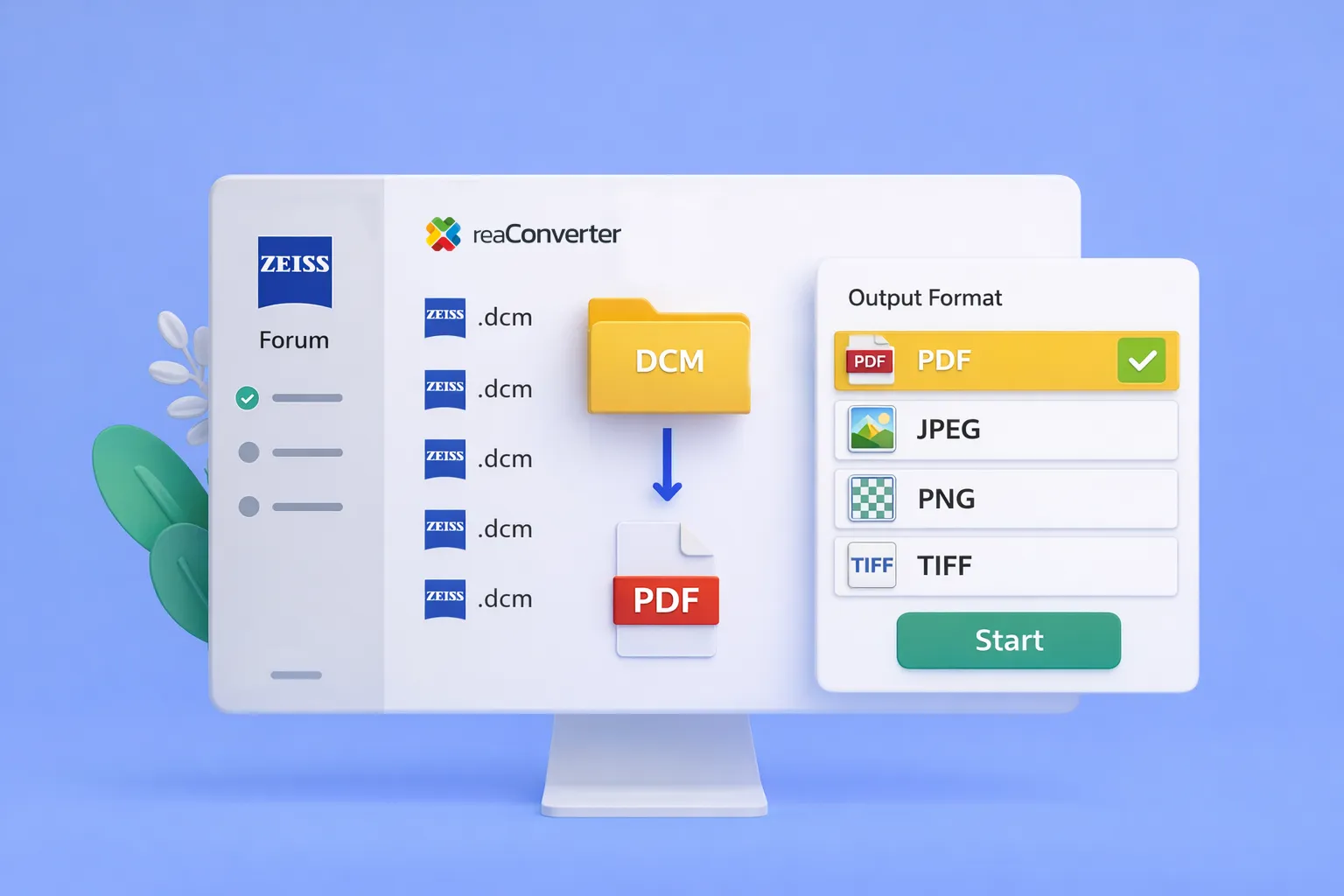
Batch convert Zeiss DCM to PDF — no more one-by-one exports
Eye care clinics using Zeiss Forum face a persistent workflow problem: when another provider requests patient data, the only export option is DICOM — a format most recipients can’t open. Staff end up downloading PDFs one at a time, sometimes 50 or more per patient.
reaConverter 8 now includes dedicated support for Zeiss Forum DICOM files, including the non-standard embedded PDFs that cause other converters to fail.
Why Zeiss DICOM Files Are Different
Standard DICOM converters often can’t read Zeiss Forum exports. That’s because Zeiss stores PDFs inside DICOM containers using a proprietary structure that doesn’t follow typical DICOM conventions.
The result: your conversion software reports “Reading file… Fail” even though the data is intact inside the file.
reaConverter detects these Zeiss-specific structures and extracts the embedded content correctly.
What You Can Convert To
- PDF — for referrals, insurance, and external providers
- JPG, PNG — for individual images
- TIFF — for archival quality
All formats support batch processing — convert entire folders at once.
Step-by-Step DCM to PDF Conversion
Follow these steps:
1. Install reaConverter 8
Download the latest version from reaConverter.com. Zeiss DICOM support requires version 8.0.184 or later.
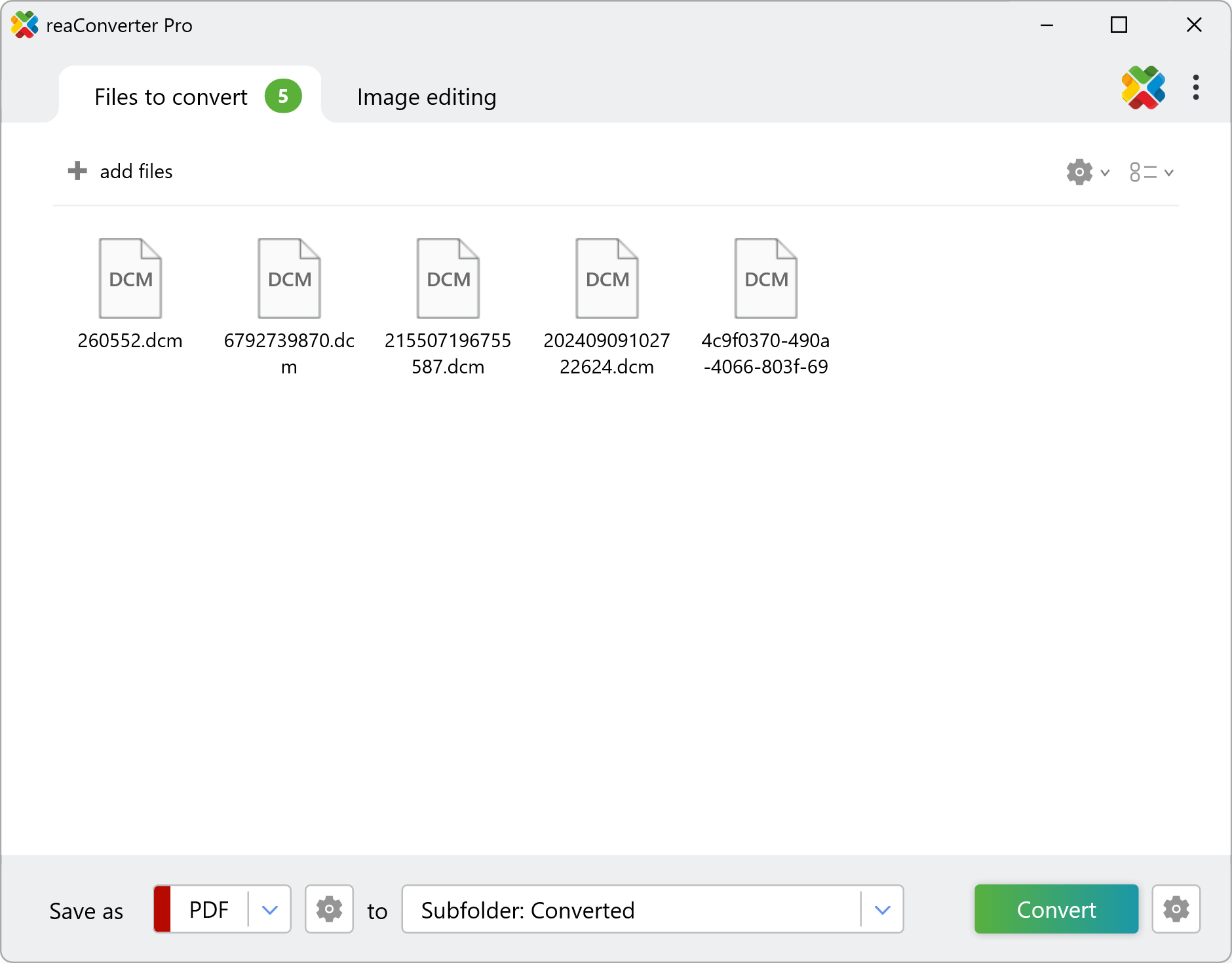
2. Add Your DCM Files
Drag your .dcm files into the main window, or use Add Folder to load an entire export directory.
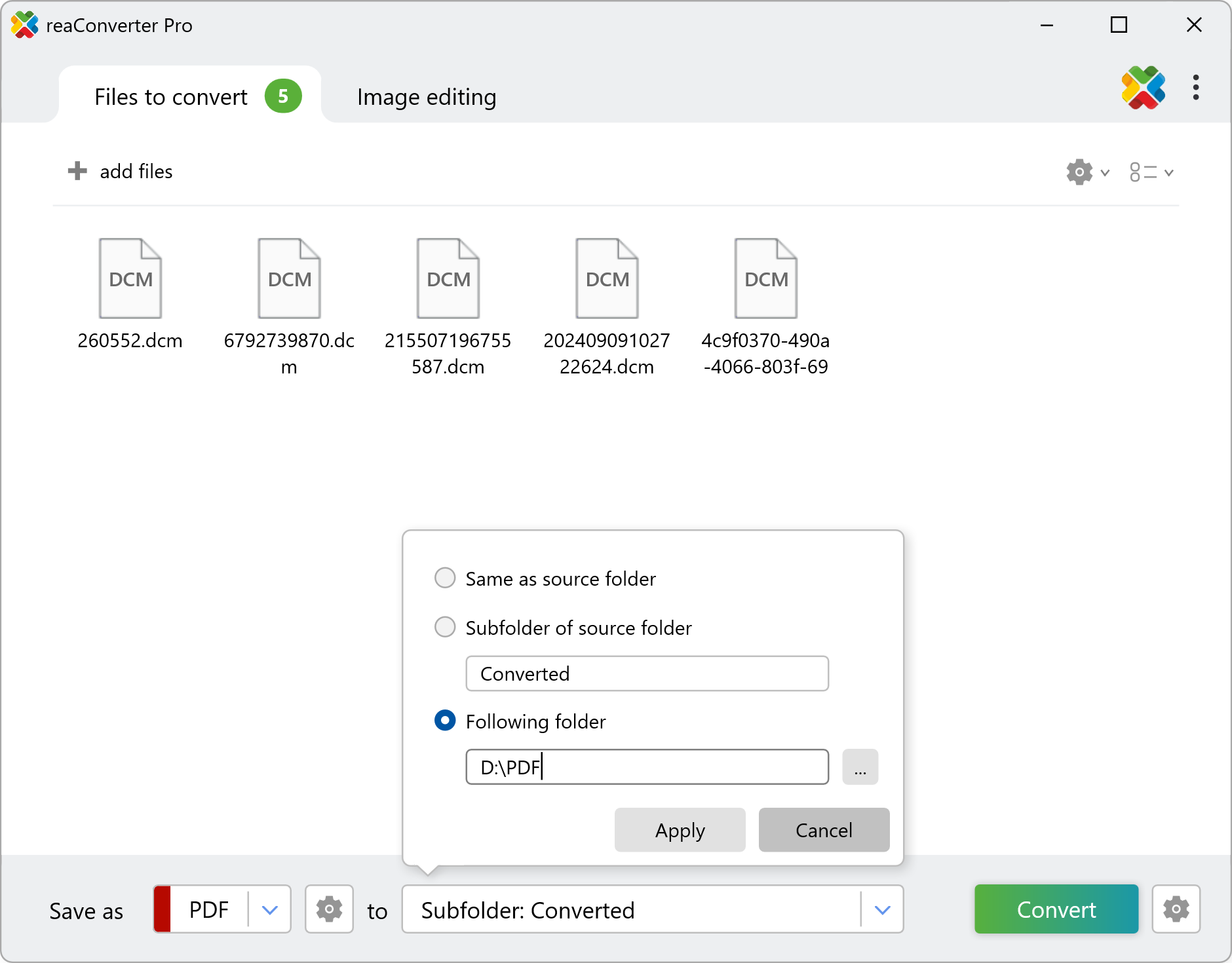
3. Select Output Format
Choose PDF for most sharing scenarios. The output panel lets you set destination folder and naming conventions.
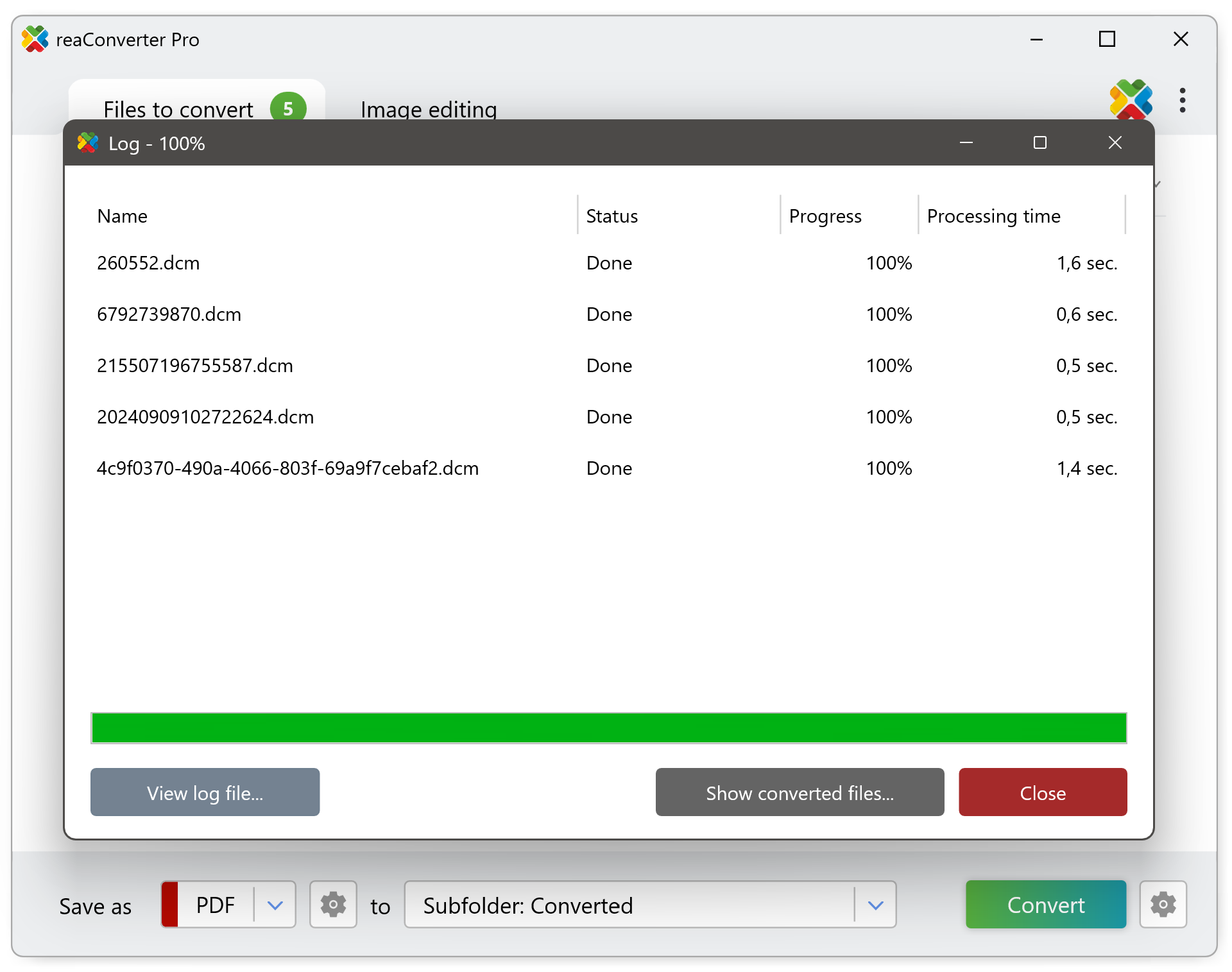
4. Click Start
reaConverter reads the Zeiss DICOM structure, extracts embedded documents, and writes them to your chosen format. No manual steps required.
Who This Helps
This feature addresses a specific need for:
- Ophthalmology and optometry practices using Zeiss Forum
- Medical records staff handling inter-provider transfers
- IT administrators managing clinical data workflows
If your clinic regularly shares Zeiss imaging data externally, batch DICOM conversion eliminates hours of repetitive manual exports.
Automation Options
For high-volume clinics or IT teams managing multiple Zeiss workstations, reaConverter offers additional automation capabilities:
Watch Folders — Set up a monitored folder that automatically converts any new DCM files as they arrive. Drop Zeiss exports into the folder and get PDFs out without launching the application.
Command Line Support — Integrate DICOM conversion into existing scripts, scheduled tasks, or backup workflows. Automate nightly batch processing or trigger conversions from your practice management system.
Both options are available in reaConverter Pro, making it possible to build hands-off conversion pipelines that require zero manual intervention.
Background
This feature was developed after a customer reached out about their Zeiss Forum workflow:
“When we get requests to send patient data to another provider, all we can do is download 10–50+ PDFs one at a time because Zeiss only allows for DICOM files on export, which nobody we deal with can use.”
We obtained sample files, identified the non-standard DICOM structure Zeiss uses, and built extraction logic that handles it reliably.
Conclusion
Converting Zeiss Forum DICOM to PDF using reaConverter eliminates one of the most time-consuming bottlenecks in ophthalmic data sharing. Instead of manually exporting dozens of files one at a time, you can batch process entire patient folders in minutes. Whether you’re handling a single referral or managing large-scale data transfers between providers, reaConverter gives you a reliable way to turn locked-down Zeiss DCM exports into standard, shareable formats — no workarounds required.
Get reaConverter and convert your first DCM to PDF in minutes!