
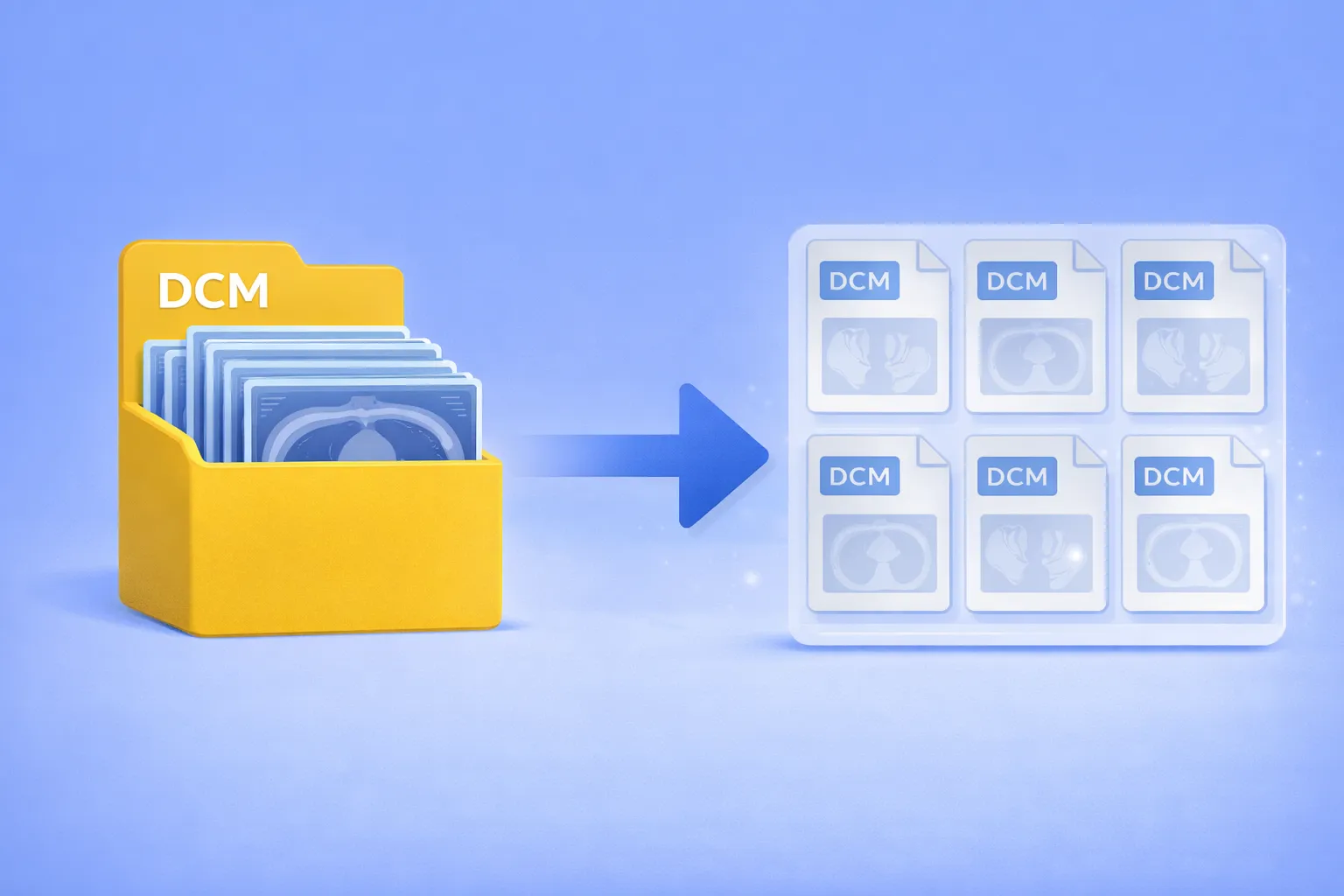
How to Split Multiframe DICOM into Single-Frame DCM Files

Split DCM file

Extract individual frames from embedded multiframe DICOM — no scripting, no manual splitting

Multiframe DICOM files pack dozens or even hundreds of image frames into a single container. CT volumes, MRI sequences, ultrasound cine loops, and nuclear medicine studies are commonly stored this way. When a downstream system, analysis pipeline, or colleague expects one-image-per-file DICOM, you’re stuck — most conversion tools either ignore the extra frames or don’t offer DICOM as an output format at all. The usual alternatives are writing Python scripts with pydicom, wrestling with dcmtk command-line utilities, or paying for specialized medical imaging software.
Read more

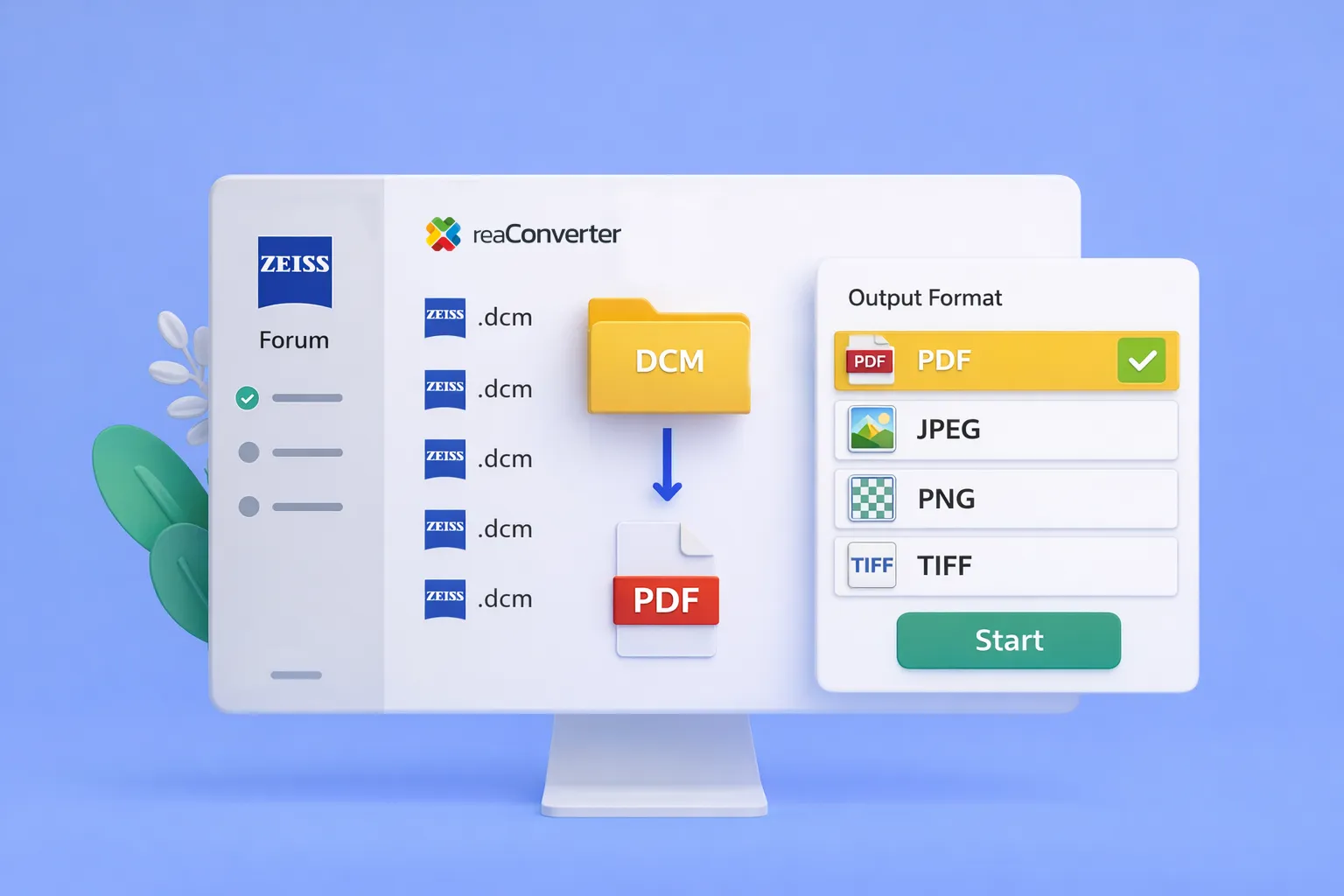
How to Convert Zeiss Forum DICOM Files to PDF

Convert Zeiss DCM to PDF in bulk, how to skip the manual export loop

Batch convert Zeiss DCM to PDF — no more one-by-one exports

Eye care clinics using Zeiss Forum face a persistent workflow problem: when another provider requests patient data, the only export option is DICOM — a format most recipients can’t open. Staff end up downloading PDFs one at a time, sometimes 50 or more per patient.

reaConverter 8 now includes dedicated support for Zeiss Forum DICOM files, including the non-standard embedded PDFs that cause other converters to fail.

Read more